


A Real Problem You Might Be Ignoring
Have you ever opened your system and waited and waited and then thought, why is your Odoo system slow?
At first, it feels like a small delay. Then slowly it starts affecting everything. You click something, and it takes time. You open a report, and it loads forever. And now your team is also feeling it. This is how Odoo 19 system slow issues begin to grow.
Many people think this is normal. But it’s not. If you’re searching why Odoo is slow, it means something in your system is not set the right way. And the longer you ignore it, the more it slows down your daily work.
In this blog, I’m going to walk you through what’s actually causing these delays and how you can fix slow Odoo performance step by step.
Odoo 19 System Slow: What’s Really Going on Behind the Screen
When your system slows down, it’s not random. There is always a reason. Most of the time, Odoo’s slow loading issues come from things that are already inside your system but not configured properly.
It could be your server, your database, your settings, or even small mistakes in setup that you didn’t notice before. And when all of these things come together, your system starts responding slowly. This is why understanding the cause is the first step of Odoo 19 performance optimization.
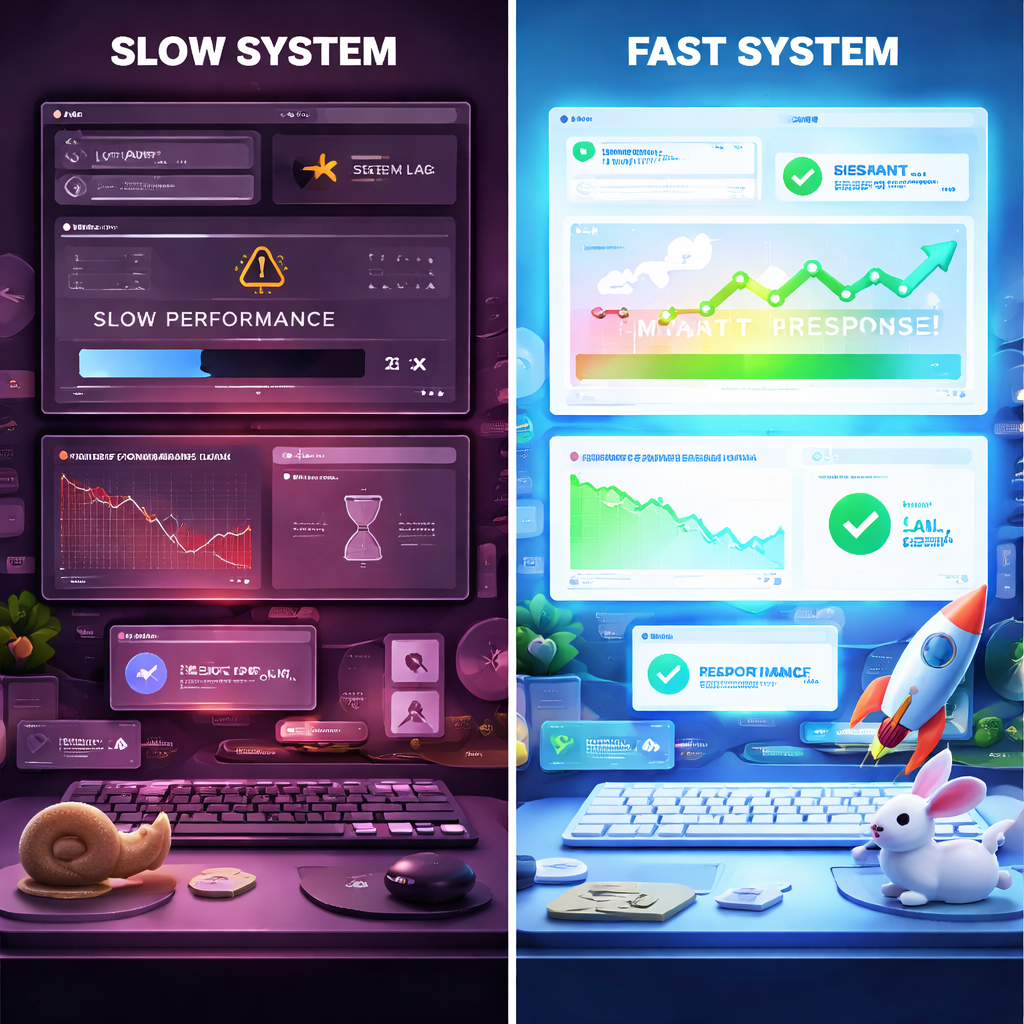
Why Is Odoo Slow Odoo 19: Common Mistakes That Slow Everything Down
One big issue is server capacity. If your server is not strong enough, your system will struggle. No matter how good your setup is, weak resources will always lead to Odoo 19 ERP system slow problems.
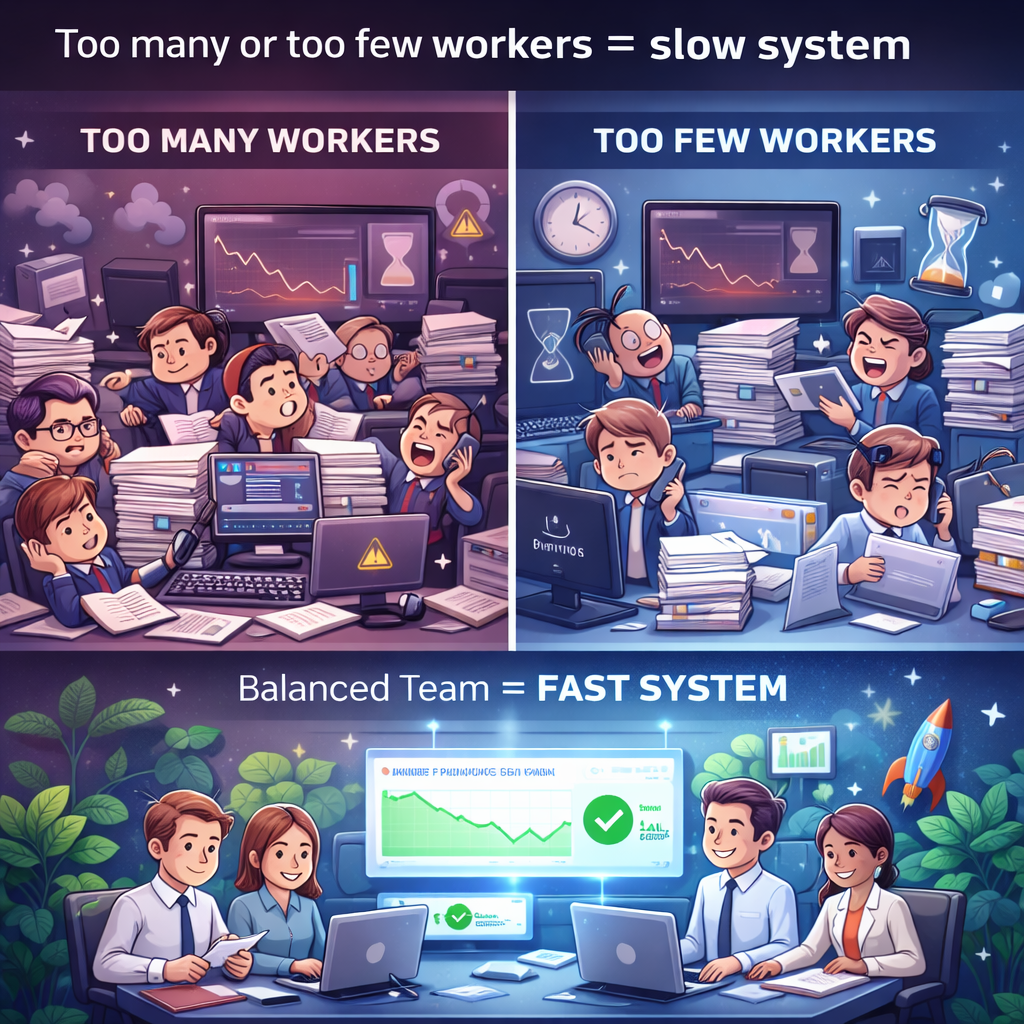
Another common issue is the Odoo workers’ configuration slow setup. Many businesses don’t set the workers correctly. Either they are too low or too high. Both situations create delays. When workers are not balanced, your system cannot handle multiple users properly.
Then comes the database. Without proper Odoo database performance tuning, your database keeps growing but never gets cleaned or optimized. Over time, this becomes one of the biggest reasons behind Odoo slow loading issues.
And then there is PostgreSQL. If you don’t optimize PostgreSQL for Odoo 19, your queries take longer, and everything feels slow, even simple actions.
Sometimes, the issue is also in custom modules. Small coding mistakes can make a big difference. A single inefficient query can slow down the whole system.
Odoo 19 Performance Optimization – Where You Should Start
Now you might be thinking, “Okay, I understand the problem, but what should I fix first?”
Start with your server. Check if your system has enough RAM, CPU, and SSD storage. Many Odoo 19 ERP system slow issues are solved just by improving the server.
Next, look at your workers’ setup. Fixing Odoo workers’ configuration slow settings can immediately improve performance. When workers are properly set, your system can handle multiple tasks without slowing down.
Then move towards your database. Proper Odoo database performance tuning helps your system respond faster. Cleaning unused data, optimizing queries, and adding indexes where needed can make a noticeable difference. And don’t forget PostgreSQL. When you optimize PostgreSQL for Odoo 19, you improve how your database communicates with Odoo. This directly impacts speed.
Odoo 19 Speed Optimization Tips That Actually Work
Now let’s talk about practical steps you can apply. First, reduce the extra load. Many systems have modules that are not even in use. Removing them helps reduce pressure and improve speed. This is a simple but effective way to fix slow Odoo performance.
Second, manage your attachments. Large images and files increase load time. Compressing files and removing unused ones helps reduce Odoo’s slow loading issues.
Third, schedule heavy tasks wisely. If reports or backups run during working hours, your system slows down. Running them at night keeps your system responsive during the day.
Another important step is monitoring. If you don’t track performance, you won’t know where the problem is. Regular checks help you stay ahead and maintain Odoo 19 performance optimization.
Odoo Database Performance Tuning – The Hidden Fix Most People Miss
Your database is the heart of your system. If it’s not optimized, nothing else will work properly. With proper Odoo database performance tuning, you can:
- Improve query speed
- Reduce loading time
- Handle more users without delay
It’s not about doing everything at once. Even small improvements here can reduce Odoo 19 ERP system slow issues.
Optimize PostgreSQL for Odoo 19 – A Step You Should Not Skip
A lot of businesses skip this part. But if you really want to improve performance, you must optimize PostgreSQL for Odoo 19.
Settings like memory usage and cache size directly affect how fast your system responds. When PostgreSQL is not configured properly, even a strong server cannot help much. This step plays a major role in reducing Odoo’s slow loading issues.
Fix Slow Odoo Performance Before It Affects Your Business
Now think about your daily work. If your system takes extra time on every click, how much time is lost in a day?
It affects your team, your workflow, and your overall efficiency. That’s why it’s important to fix slow Odoo performance as soon as you notice it. Ignoring it only makes things worse.
Odoo Workers Configuration Slow – Small Setting, Big Impact
This one is often ignored, but it matters a lot. Incorrect Odoo workers configuration and slow setups create unnecessary load on your system. When workers are set properly, tasks are handled more efficiently, and delays are reduced. It’s a small change, but it can improve speed significantly.
Why Is Your Odoo System Slow and What You Should Do Next
So, when you think again, why is your Odoo ERP system slow? You already know the answer is not just one thing.
It’s a mix of:
- Server setup
- Workers configuration
- Database optimization
- PostgreSQL settings
- System usage
And the good thing is, all of these can be fixed. Start step by step. Improve what you can. And if you feel stuck, getting expert help can save you a lot of time.
Need Help to Fix Your Odoo Speed?
If your system is still facing Odoo 19 ERP system slow issues and you’re not sure where the problem is, this is something you should not delay.
At Netilligence, we help businesses:
- Fix slow Odoo performance
- Handle Odoo 19 performance optimization
- Improve database and server setup
If you want your system to respond faster and support your daily work properly, reach out today. Your system should support your work, not slow it down.




