

Managing customer expectations is paramount in the fast-paced world of e-commerce and subscription-based services. One critical aspect that businesses must address is how to handle Odoo 18 subscription system cancellations and refunds effectively. The Odoo 18 subscription management system provides robust tools to facilitate smooth transitions during cancellations and refunds, ensuring that customer satisfaction remains a priority. This blog post will delve into the intricacies of managing Odoo 18 subscription cancellations, focusing on the steps involved in processing refunds and maintaining a positive customer relationship.
Understanding Odoo 18 Subscription system Management
Odoo 18 has introduced various features that enhance subscription management. These features are designed to simplify the process for businesses, allowing them to manage subscriptions, cancellations, and refunds seamlessly. Understanding these functionalities is crucial for any organization that relies on subscription models.
Key Features of Odoo 18 Subscription Management
- Automated Billing: Odoo 18 automates the billing process, reducing errors and ensuring timely invoicing.
- Customer Portal: Customers can manage their subscriptions directly through a user-friendly portal, allowing them to view their subscription status, invoices, and payment history.
- Flexible Subscription Plans: Businesses can create various subscription plans tailored to their customers’ needs, enhancing customer satisfaction and retention.
- Reporting and Analytics: Odoo 18 provides comprehensive reporting tools to analyze subscription performance, cancellations, and refunds, enabling data-driven decisions.
These features not only enhance operations but also enhance the overall customer experience.
The Process of Managing Odoo 18 Subscription Cancellations
Handling Odoo 18 subscription cancellations requires a systematic approach to ensure customers feel valued and understood. Here are the essential steps involved in managing cancellations effectively:
Step 1: Initiating the Cancellation Process
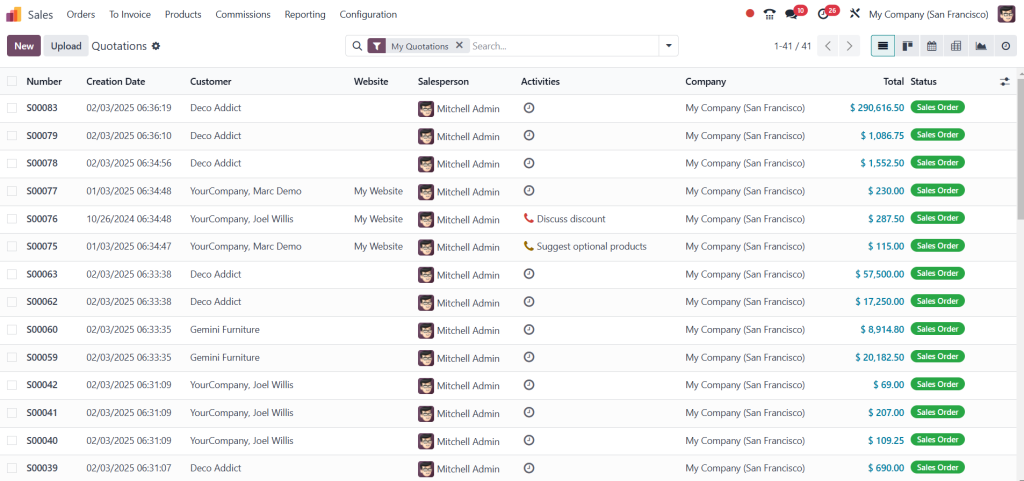
When customers decide to cancel their subscription, they can do so through the customer portal or by contacting customer support. To minimize confusion, clear instructions on how to initiate the cancellation process are essential.
Step 2: Understanding the Reason for Cancellation
Understanding why customers cancel their subscriptions is vital to improving future subscription offerings. Odoo 18 allows businesses to collect feedback during the cancellation process, helping identify trends and areas for improvement.
Step 3: Confirming the Cancellation
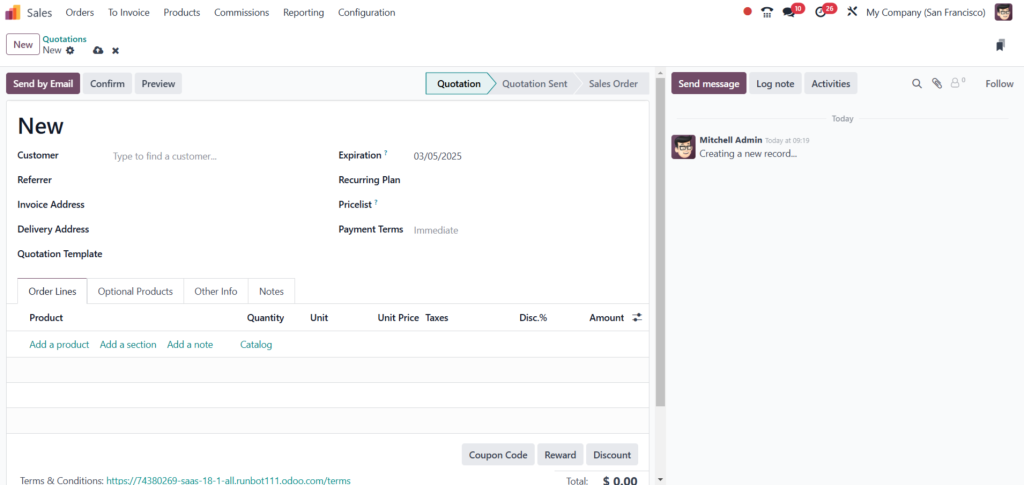
Once a cancellation request is received, the next step is to confirm the cancellation with the Customer. Odoo 18 can automate this confirmation process, ensuring customers receive timely subscription status notifications.
Step 4: Processing Refunds
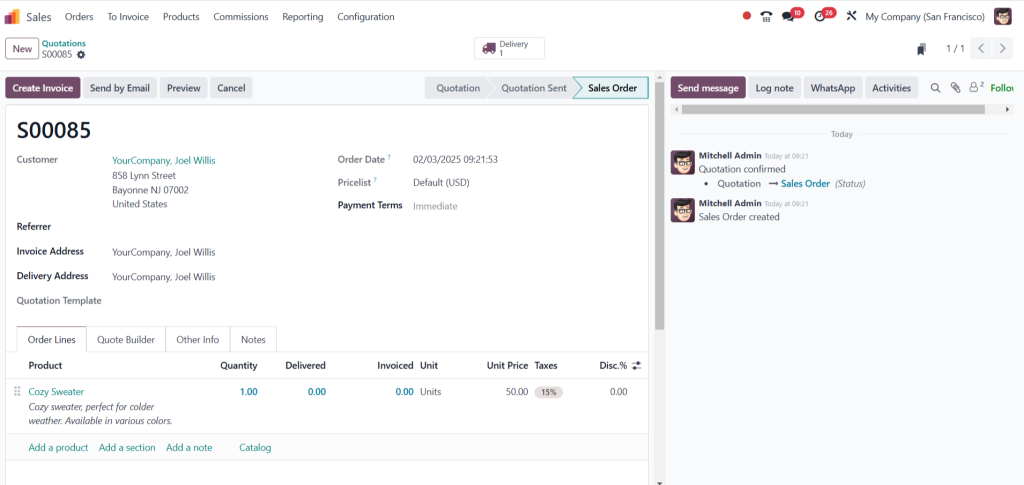
Businesses must have a clear process in place when customers are eligible for refunds. Odoo 18 simplifies the Odoo 18 process refunds by allowing businesses to issue refunds directly through the system. This feature ensures that customers receive their money back promptly, enhancing their overall experience.
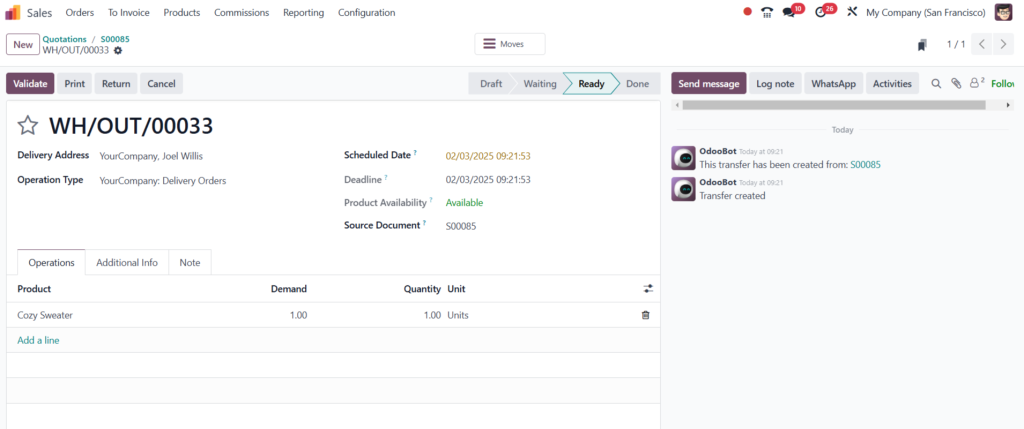
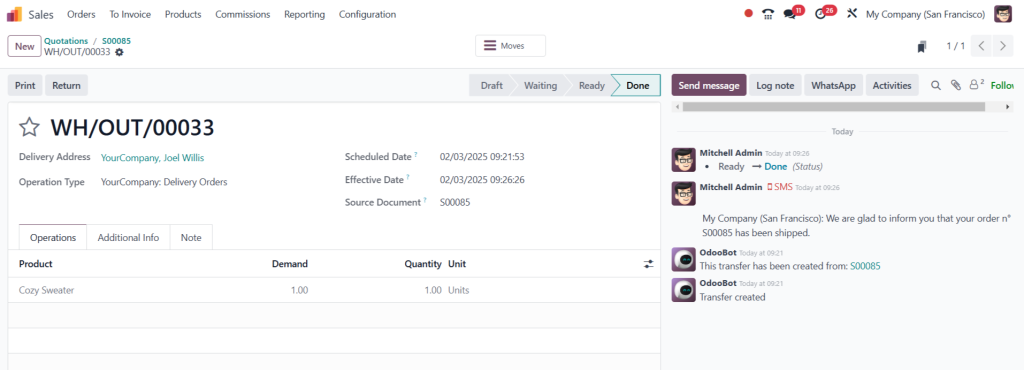
How to Process Refunds in Odoo 18
The Odoo 18 process refunds are designed to be straightforward. Here’s a detailed look at how to manage refunds effectively:
Step 1: Verify Refund Eligibility
Verifying whether the Customer is eligible for a refund based on the subscription terms is crucial before processing a refund. Odoo 18 allows businesses to set specific refund policies, which can be reviewed during the refund process.
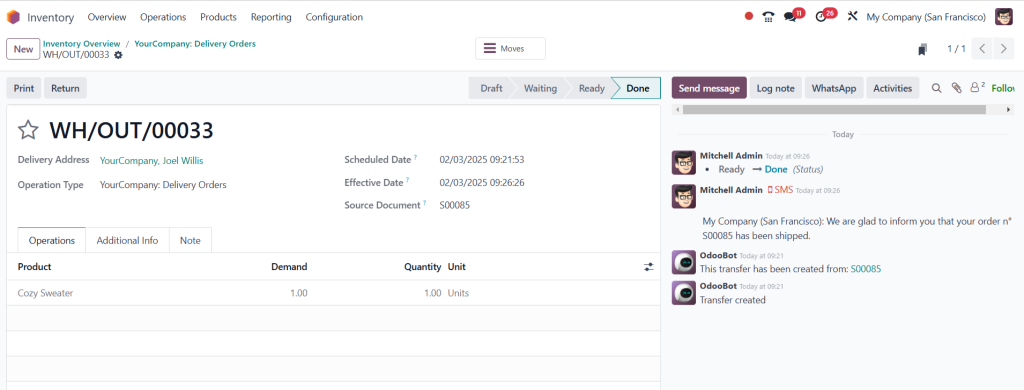
Step 2: Initiate the Refund
Once eligibility is confirmed, businesses can initiate the refund process through the Odoo 18 interface. This process typically involves selecting the subscription, determining the refund amount, and selecting the payment method.
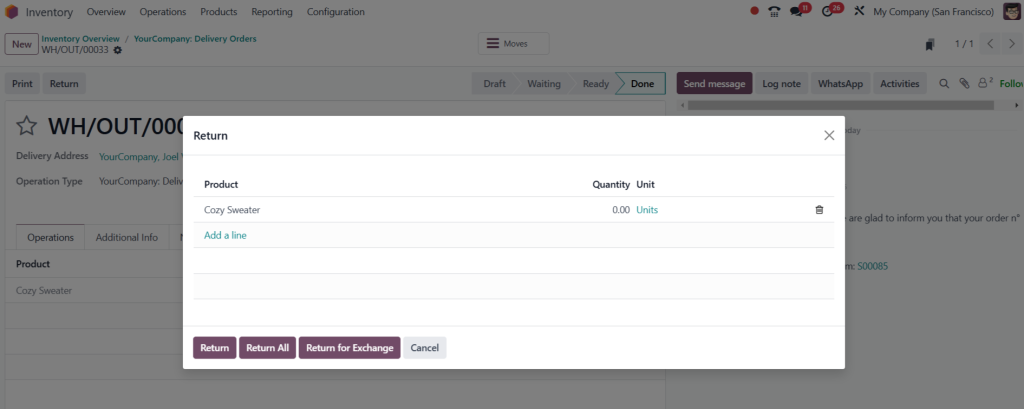
Step 3: Communicate with the Customer
After initiating the refund, it is essential to communicate with the Customer. Odoo 18 can automate email notifications, informing customers of the refund status and expected timelines. Communication helps build trust and reassures customers about their financial transactions.
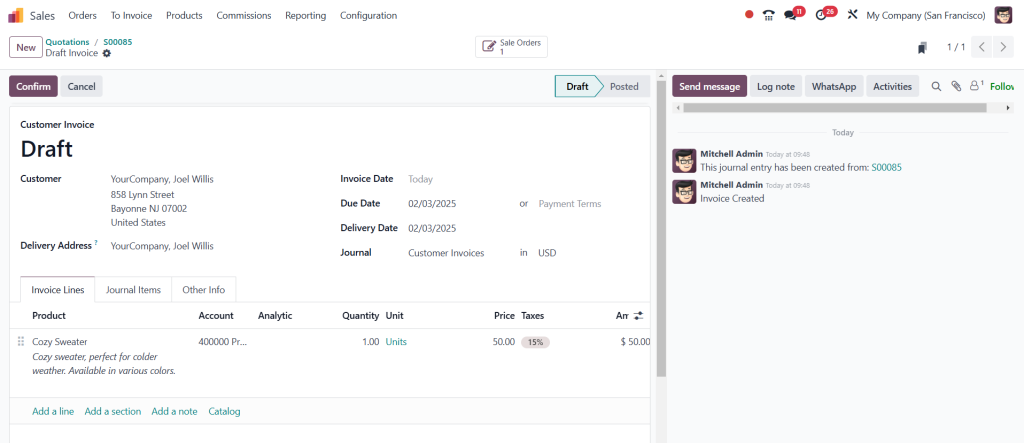
Step 4: Update Financial Records
Once the refund is processed, Odoo 18 automatically updates the financial records, ensuring that accounting remains accurate. This feature eliminates the need for manual entries and reduces errors.
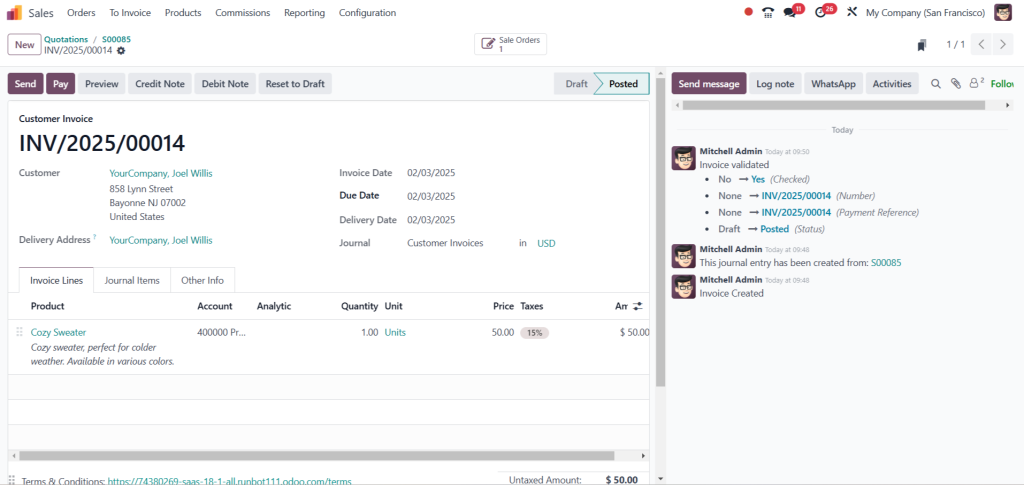
Step 5: Follow Up
After processing the refund, following up with the Customer can significantly enhance their experience. A simple email thanking them for their business and asking for feedback can go a long way in retaining customers in the future.
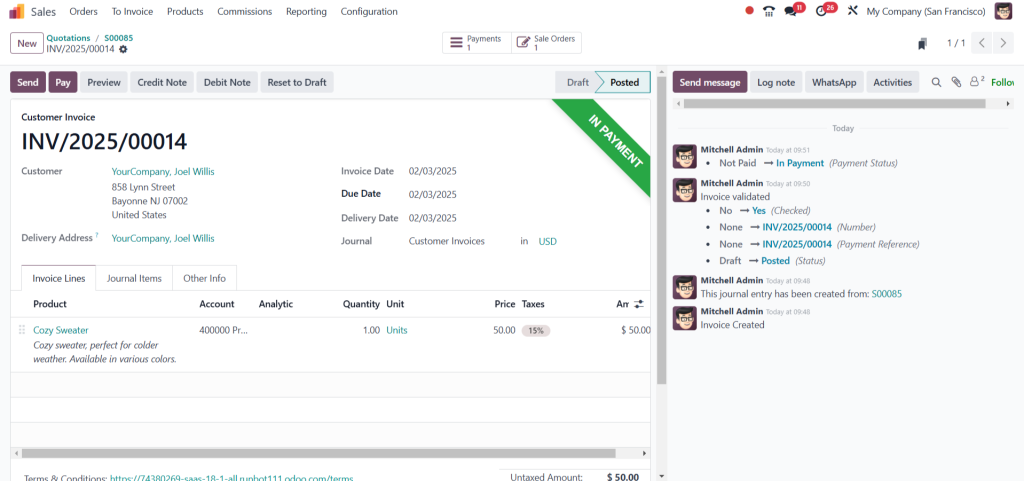
Best Practices for Managing Odoo 18 Sales Cancellations and Refunds
To ensure a smooth experience for both customers and businesses, here are some best practices for managing Odoo 18 sales cancellations and refunds:
1. Clear Communication
Transparency is key. Ensure that your cancellation and refund policies are communicated to customers during subscription time. This clarity can help set expectations and reduce the likelihood of disputes.
2. Train Your Team
Ensure your sales and customer support teams are well-trained in handling cancellations and refunds. A knowledgeable team can address customer concerns more effectively, enhancing the overall experience.
3. Utilize Automation
Take advantage of Odoo 18’s automation features to streamline the cancellation and refund processes. Automating notifications and updates can save time and reduce your team’s administrative burden.
4. Gather Feedback
Collect feedback from customers regarding their cancellation and refund experiences regularly. The feedback can provide valuable insights into areas for improvement within your subscription offerings.
5. Monitor Trends
Use Odoo 18’s reporting tools to monitor cancellation and refund trends. Understanding the reasons behind cancellations can help you make informed decisions about your subscription offerings and customer service strategies.
Effectively managing Odoo 18 subscription cancellations and refunds
Crucial for maintaining customer satisfaction and loyalty and leveraging the powerful features of Odoo 18 subscription management, businesses can streamline their processes, enhance communication, and improve the overall customer experience. By following the outlined steps and best practices, organizations can turn potential cancellations into opportunities for growth and improvement.




