How to Set Probationary Period in the Odoo 18 HRMS?
Setting Probationary Period in Odoo 18 HRMS
Set Probationary Period in the Odoo 18 HRMS OR Managing employee probation effectively is crucial for HR teams to retain the right talent. Odoo 18 HRMS offers solid features for configuring probationary periods, making it easier to streamline HR processes. Setting probationary periods in Odoo 18 HRMS ensures a smooth transition for new employees. With customizable tools, Odoo 18 Managing the probationary period in Odoo 18 HRMS simplifies HR operations, allowing organizations to focus on growth and employee satisfaction.
This article explores everything you need to know about Odoo 18 Human resource probation period configuration, managing probationary periods in Odoo 18 HRMS, and Odoo HRMS employee probation settings to help you get the most out of this powerful platform.
What Is a Probationary Period and Why Is It Important?
The probationary period is a short-term evaluation phase for new employees. During this time, the company assesses the employee’s performance and suitability for the role while providing necessary support for their growth. Setting a probationary period in systems like Odoo 18 HRMS is essential because it allows HR teams to:
Monitor employee progress effectively.
Set clear expectations for new hires.
Make data-driven decisions regarding permanent employment.
By configuring probation periods in Odoo 18 HRMS, businesses can automate this process, track employee performance, and ensure compliance with company policies.
How to Set Probationary Period in the Odoo 18 HRMS
Step 1: Access the HRMS Module
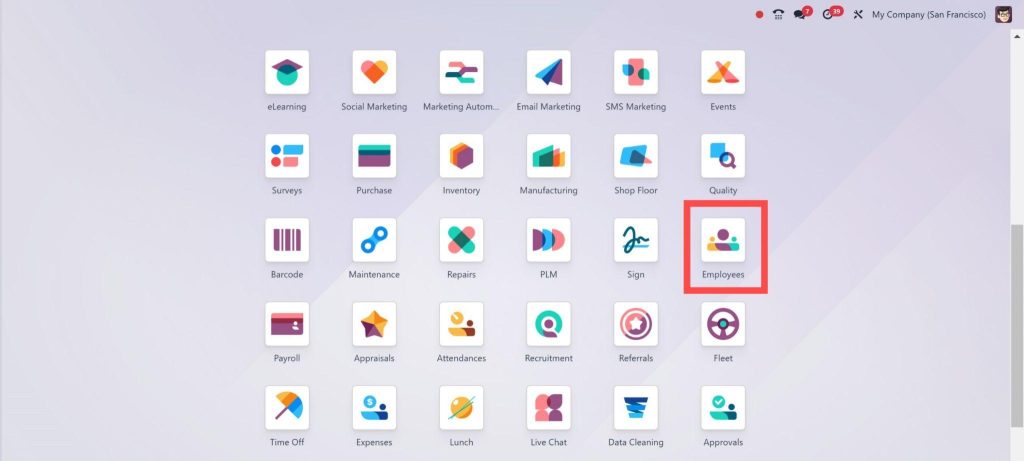
To start configuring probationary periods in Odoo 18, you must first access the HRMS module. This module is designed to handle all aspects of employee management, including probation settings.
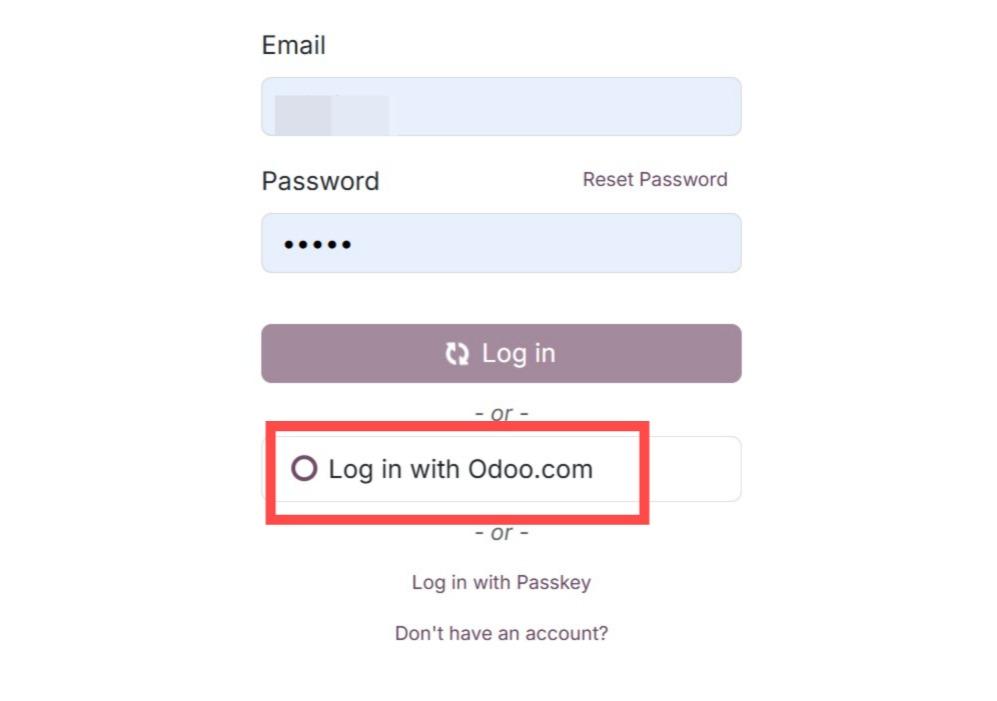
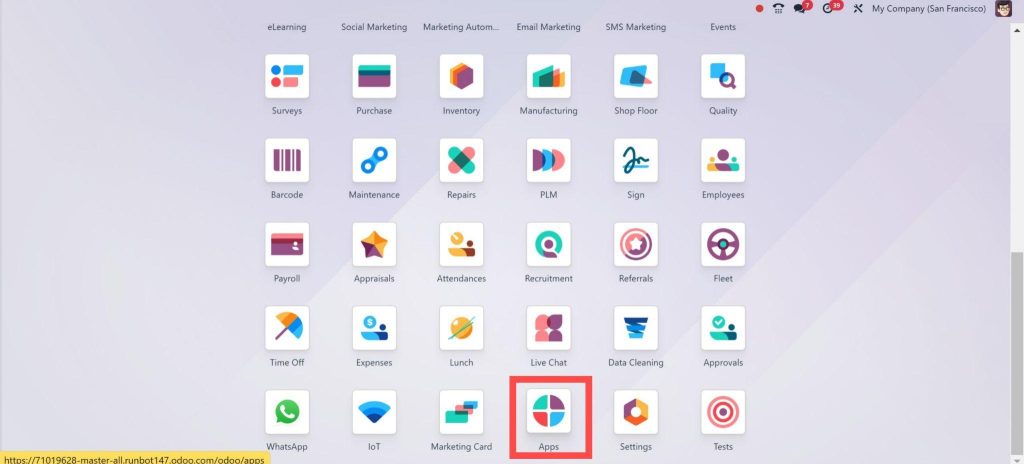
After Login, Go to Apps in Odoo
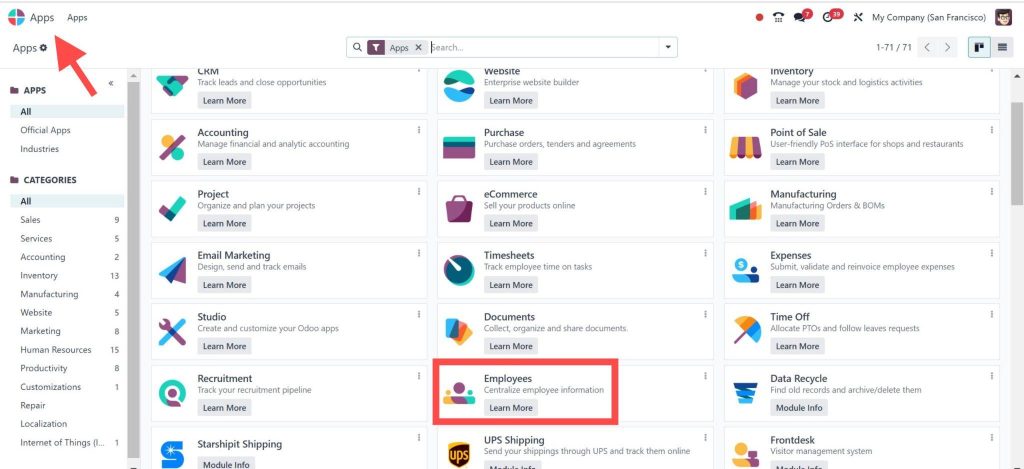
Search for Employees and install it.
Step 2: Direct to Employee Settings
Open the Employees app from the dashboard.
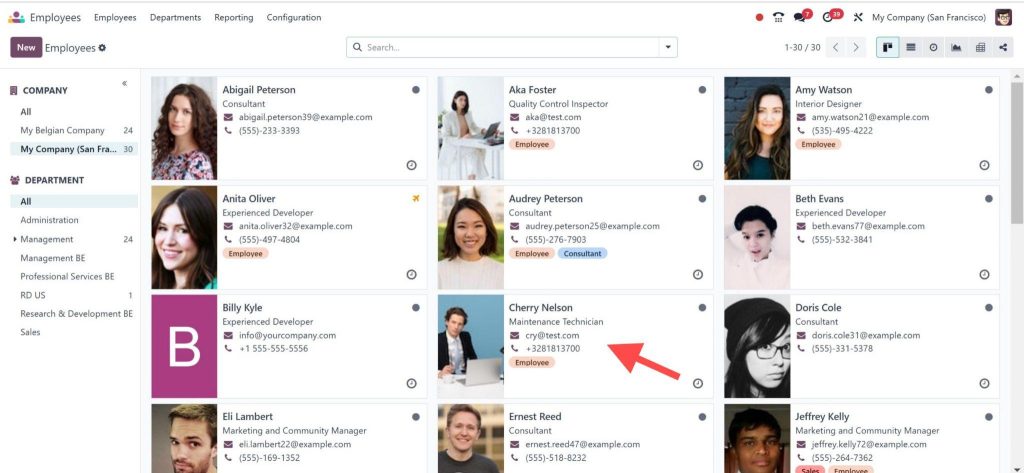
Within the HRMS module, navigate to the Employee Settings tab. Here, you can configure various employee parameters, including the probationary period.
Click on the employee’s profile.
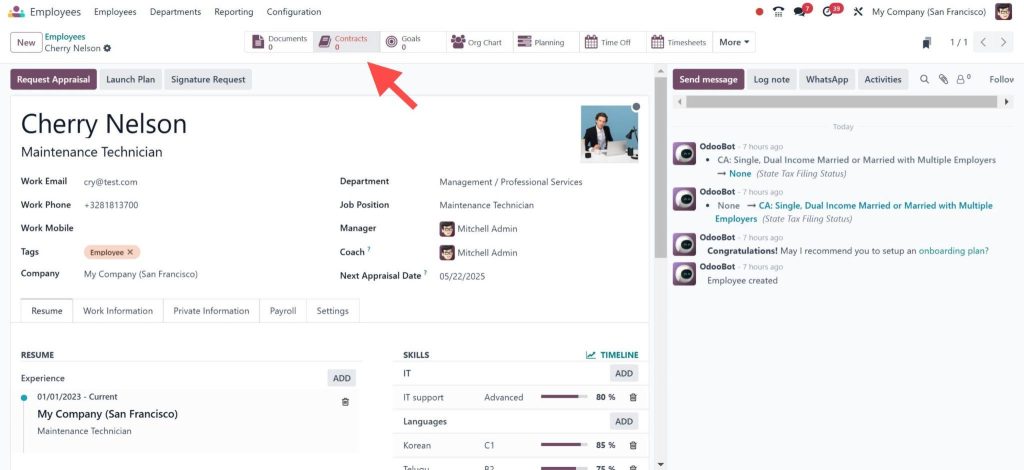
Step 3: Open or Create a Contract
Direct to the Contracts section.
Either select an existing contract or click Create to make a new one.
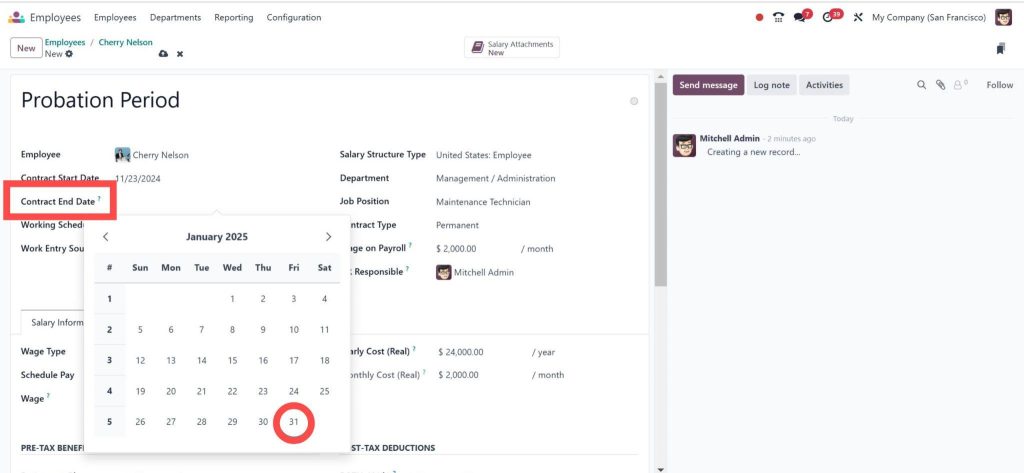
Step 4: Add the Probationary Period
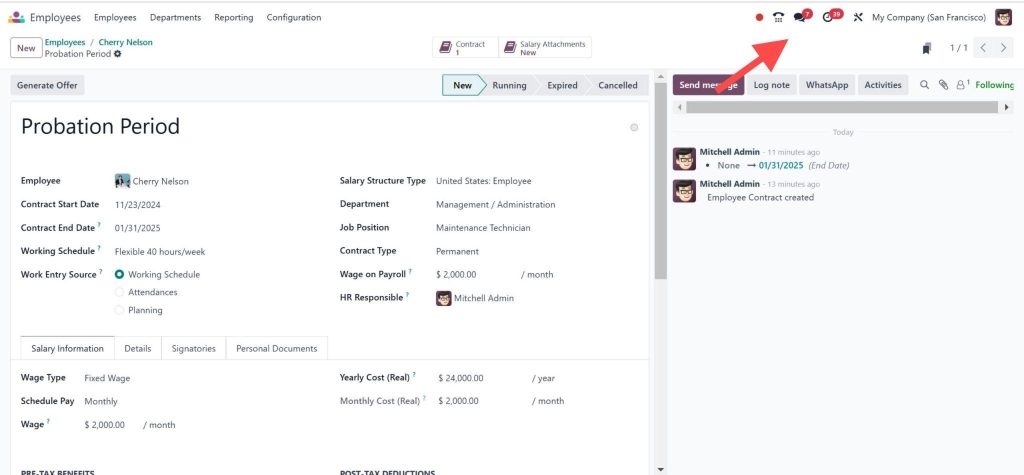
Find the field End of Trial Period.
Enter the date when the probation ends.
Automate Notifications and Alerts
Odoo 18 HRMS allows you to set automatic notifications and alerts for managers when an employee’s probation period is nearing its end. This feature is invaluable for ensuring timely evaluations.
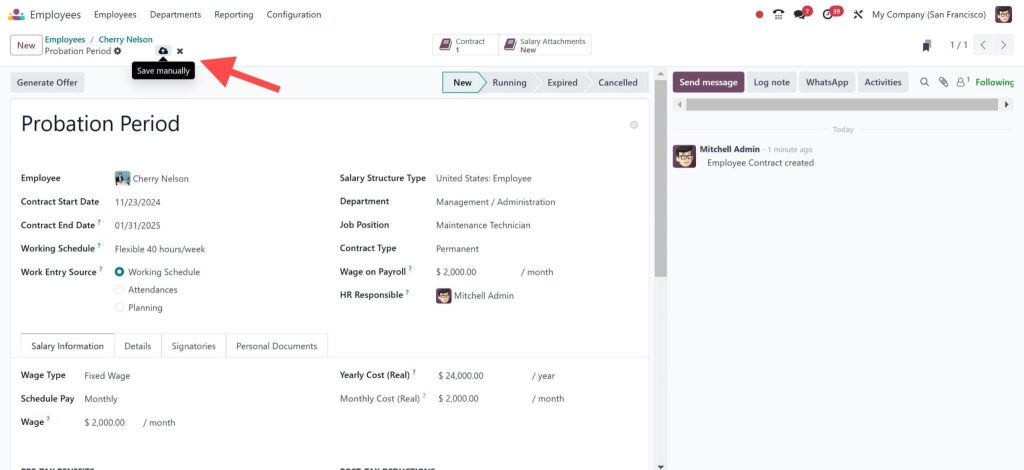
Step 5: Save and Apply Settings
Once the probation period and notifications are configured, save your settings. These changes will now apply to all new employees added to the system.
Odoo 18 HRMS employee management features
Odoo 18 HRMS provides several advanced features to update probationary period management:
1. Customizable Duration
You can define different probationary periods for various roles, ensuring flexibility.
2. Performance Tracking
The platform integrates performance management tools to assess employee growth during probation.
3. Automated Notifications
Stay on top of probation evaluations with automated alerts and reminders.
4. Integration with Payroll
Effortlessly link probation periods with payroll, ensuring accurate and timely updates.
5. Compliance Management
Maintain compliance with labor laws by using built-in policy management tools.
Benefits of Configuring Probation Period in Odoo 18 HR system
Reorganized HR Operations
Using Odoo 18 HRMS probation period configuration eliminates manual tracking, saving time and resources.
Enhanced Decision-Making
Access to real-time performance data allows HR teams to make informed decisions regarding employee retention.
Improved Employee Onboarding
Clearly defined probationary periods set expectations for new hires, fostering a positive onboarding experience.
Compliance and Accuracy
Automated systems reduce errors and ensure compliance with legal and organisational standards.
Pro Tip:
Regularly review your probationary period settings to ensure they align with organisational goals and industry trends.
Why Choose Odoo 18 HRMS for Employee Management?
Odoo 18 HRMS is more than just a software tool—it’s a comprehensive solution for managing human resources effectively. Here’s why it’s ideal for setting probationary periods in Odoo 18 HRMS:
User-friendly interface for quick setup.
Customisation options to meet diverse business needs.
Integrated tools for performance tracking and payroll management.
By utilizing the features of Odoo HRMS employee probation settings, organisations can Customize or create a structured, transparent, and efficient HR environment.
Configuring Probation Period in Odoo 18 HR System
Configuring the probationary period in Odoo 18, HRMS is a innovation for HR teams looking to enhance their operations. With powerful features and integration, Odoo 18 HRMS probation period configuration ensures efficiency, accuracy, and compliance in employee management.
Whether you’re a small business or a large enterprise, managing probationary periods in Odoo 18 HRMS simplifies your processes and helps you focus on what truly matters: your people.
Hi, I'm Nabia, an Odoo ERP functional & technical content writer. I specialize in blogs, social media content, ad copy, landing pages, service pages, and email campaigns.
We use cookies to ensure that we give you the best experience on our website. If you continue to use this site we will assume that you are happy with it.