

Payroll calculation errors in Odoo 18 HRMS can cause significant issues, ranging from incorrect employee payments to tax miscalculations and even compliance violations. These errors may stem from improper configurations, outdated data, or issues within the system itself. To fix payroll errors in Odoo 18 HRMS, it’s important to pinpoint the underlying issue, apply the right fixes, and ensure your payroll process is aligned with the correct settings.
Why Fix Payroll Calculation Errors?
According to a survey, 60% of businesses report payroll-related errors annually, with calculation errors being the top issue. This statistic underscores the need for an effective strategy to resolve payroll calculation errors, as failure to address these problems can lead to financial and reputational damage. Correct payroll calculations are crucial not only for keeping employees satisfied but also for staying compliant with tax and labor regulations.
In this blog, we’ll walk you through the steps to diagnose and fix payroll calculation errors in Odoo 18 HRMS. From reviewing system settings to updating payroll configurations, you will gain insights into preventing errors and ensuring smooth payroll operations in the future. We’ll cover troubleshooting tips, common pitfalls, and expert recommendations to ensure your payroll system runs seamlessly.
Step-by-Step Guide to Fix Payroll Calculation Errors in Odoo 18 HRMS
1. Check Employee Contract Settings
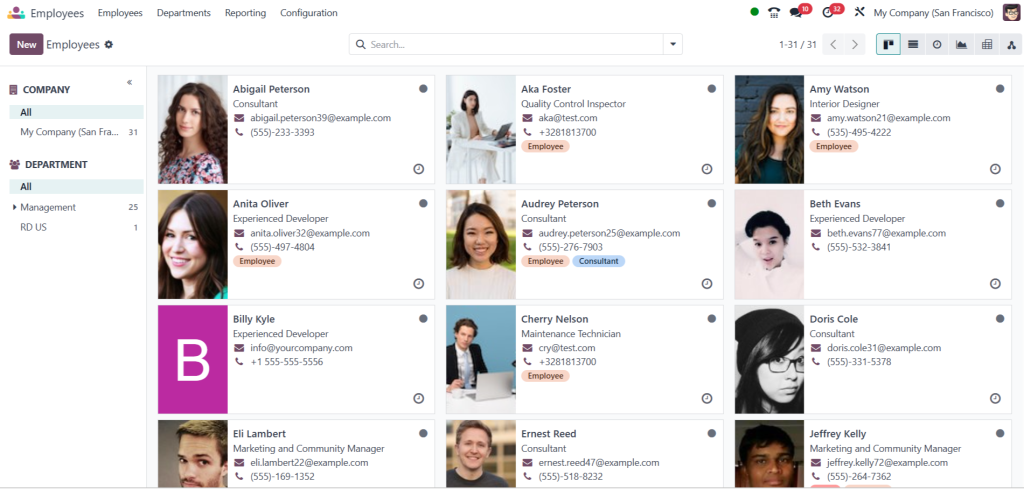
The first step in identifying payroll errors is to review employee contract settings. These settings determine the basis of calculations, such as salary, work schedule, and compensation components.
- Go to the employee profile in Odoo and review the contract details. Verify that the salary structure, working hours, and compensation elements are correctly configured.
2. Review Salary Structures and Rules
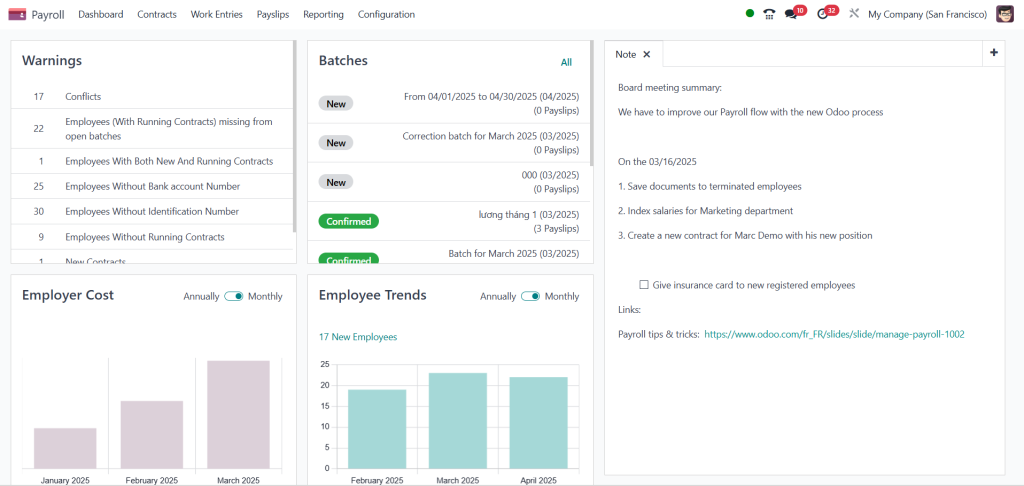
Incorrect salary structure or missing salary rules can result in miscalculations during payroll processing. It’s essential to ensure that salary rules are accurate and configured properly.
- Navigate to the Payroll module and review the salary structure used by employees. Ensure that the salary rules (e.g., basic pay, bonuses, deductions) align with company policy and applicable laws.
3. Verify Tax Configuration
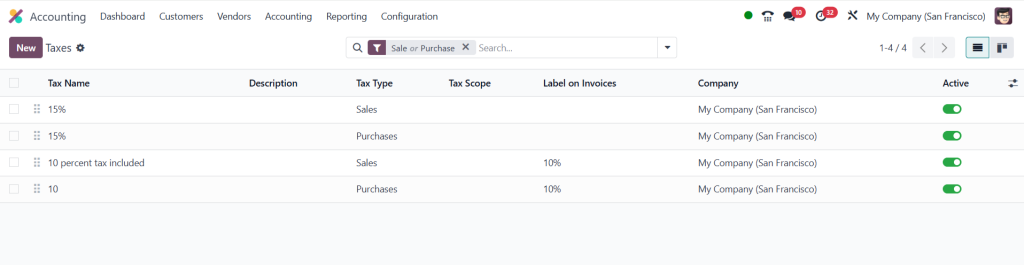
Tax miscalculations are common when the tax configuration is set up incorrectly. Payroll errors can occur if the tax rate or tax category is misapplied.
- Check the tax settings in Odoo, ensuring that all applicable tax rates, exemptions, and contributions are properly defined for employees. Update them as necessary to match local regulations.
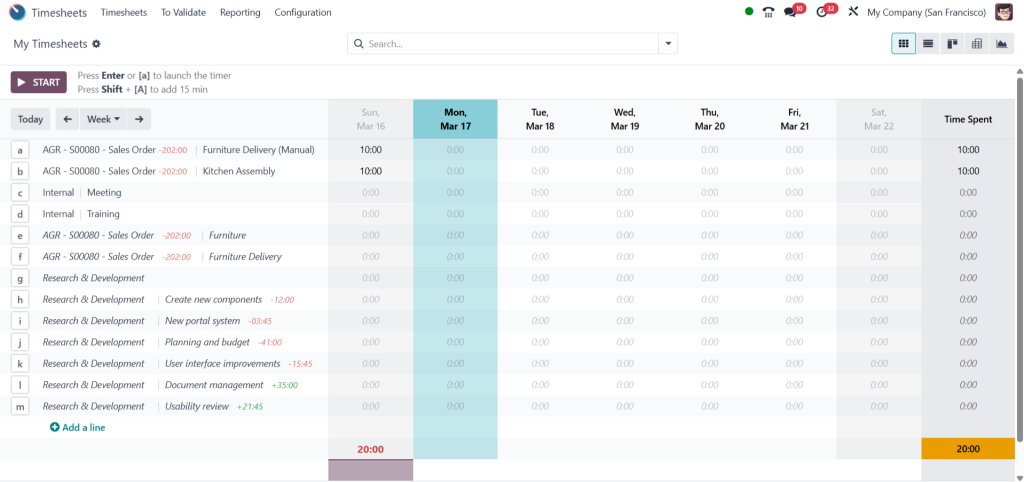
4. Check for Missing or Incorrect Attendance Data
Attendance discrepancies can lead to incorrect payroll calculations, especially if employee work hours are not properly recorded. Missing attendance data can cause underpayment, while incorrect entries can lead to overpayment.
- Ensure that attendance and leave records are up-to-date. Review and adjust any discrepancies in the timesheets or attendance logs to avoid payroll issues.
5. Run Payroll in Test Mode
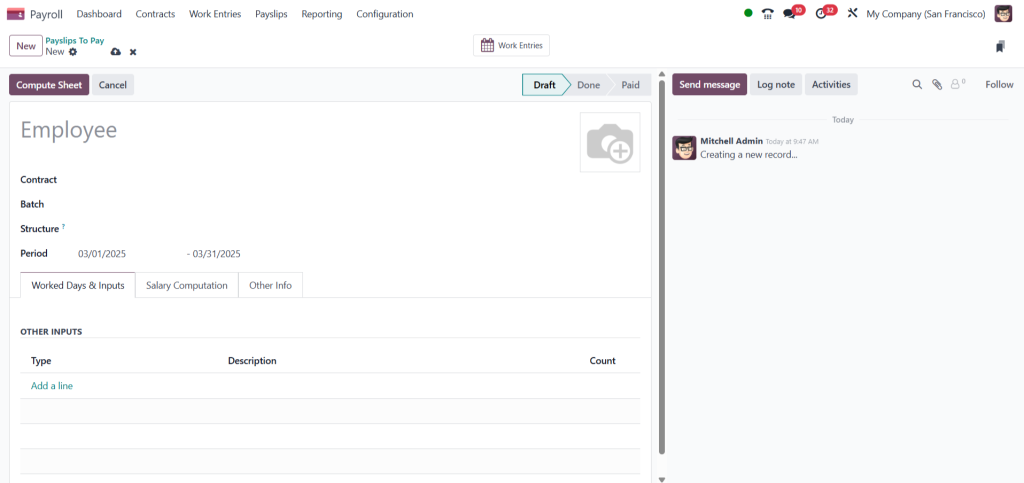
Before processing the final payroll, it’s advisable to run a payroll test to identify potential errors without affecting actual payments.
- Use Odoo’s payroll processing feature in “Test Mode” to simulate the payroll run. This will help identify calculation errors before committing to the final payroll.
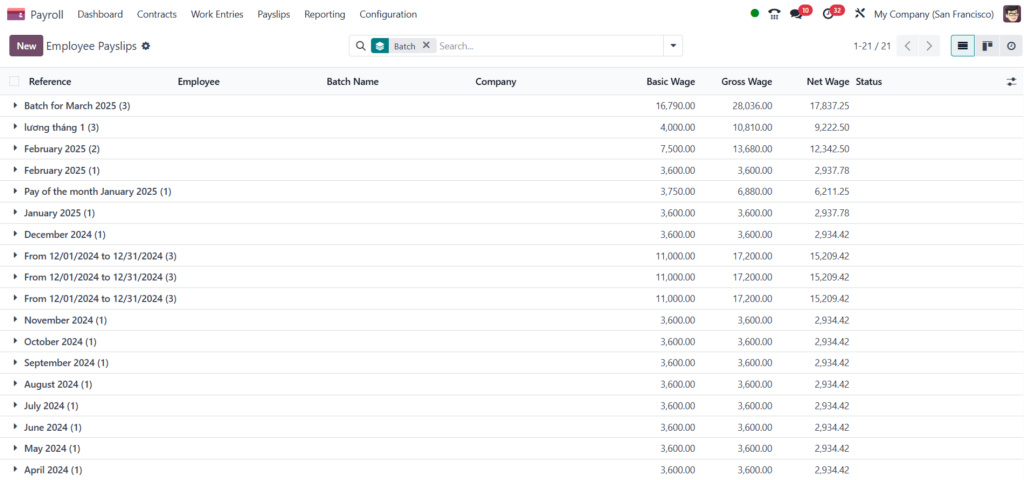
6. Review Payslip and Pay Statements
Sometimes, errors in payroll calculations are only revealed after reviewing the payslips. If the payslip information is incorrect, this might indicate an error in the setup.
- Check payslip details for each employee and look for inconsistencies or discrepancies in salary, deductions, or taxes. This will help pinpoint the source of errors in the payroll calculation.
Tips to Prevent Future Payroll Calculation Errors
1. Regularly Update Salary Rules
Salary structures, tax rates, and deductions can change over time. Keep your Odoo 18 HRMS system updated with the latest salary rules and legal requirements to avoid discrepancies.
2. Automate Data Entry with Integrations
Automating data entry through integrations with other business systems (such as attendance or timesheets) can minimize manual errors. Ensure that your Odoo system is properly integrated with other tools for accurate and real-time data syncing.
3. Train Your Team
Ensure your HR and payroll teams are trained on how to configure and manage the payroll system. Proper training will reduce the risk of errors in data entry and payroll configuration.
4. Set Up Notifications and Alerts
Once you’ve fixed the current payroll calculation errors, it’s crucial to implement measures that will help prevent future issues.
Set up notifications within Odoo to alert you when there are discrepancies in employee data, salary configurations, or attendance records. This proactive approach can help prevent payroll errors before they occur.
Fixing payroll calculation errors in Odoo 18 HRMS
It requires a systematic approach By reviewing employee contracts, salary structures, tax configurations, and attendance data, you can identify and resolve common issues that lead to payroll discrepancies. Regular updates, automation, and training can also help prevent these errors in the future, ensuring your payroll process is smooth and compliant.
If you follow the steps outlined in this blog, you can ensure that your payroll calculations are accurate and timely, avoiding potential financial or legal issues down the line.




