How to Track Sales, Trends and Analyze Customer Behavior in Odoo 18 PoS?
The Secret Formula to Mastering Odoo 18 PoS Analytics!
Suppose, if you could read your customers’ minds, knowing precisely what they want before they even ask! Sounds like some crazy sci-fi movie, right? What if I told you that Odoo 18 PoS can get you pretty close?
With the power of Odoo 18 PoS sales tracking, you’ll see what’s selling like hotcakes and what’s gathering dust. Want to crack the mystery of customer habits? Analyzing customer behavior in Odoo 18 PoS will reveal their deepest shopping secrets. And the best part? By spotting Odoo 18 PoS sales trends, you can predict the future of your business (well, almost!).
But wait, there’s more! With Odoo 18 PoS reporting and Odoo 18 PoS analytics, you’ll turn raw data into pure business gold. Need insights at lightning speed? Odoo 18 PoS data analysis has got your back. And if you’re all about performance, Odoo 18 PoS performance metrics will help you fine-tune every move.
So, are you ready to dive deep into sales mastery and customer insights? Buckle up because this guide will take you on an exhilarating ride through Odoo 18 PoS like never before!
What is Odoo 18 PoS Sales Tracking?
Odoo 18 ERP PoS sales tracking monitors sales transactions, revenue, and product performance in real-time. This feature helps businesses maintain accurate records, track daily transactions, and gain insights into their best-selling products.
Benefits of Odoo 18 PoS Sales Tracking
Real-Time Data Access: Gain instant access to sales data for quick decision-making.
Improved Inventory Management: Track which products are selling fast and restock accordingly.
Enhanced Customer Insights: Understand customer preferences and buying patterns.
Revenue Optimization: Identify peak sales periods and adjust pricing strategies.
How to Use Odoo 18 PoS for Sales Tracking?
1. Enable Sales Reporting: Activate sales tracking features in Odoo 18 PoS settings.
2. Monitor Daily Transactions: Use dashboards to track daily and weekly sales.
Odoo 18 ERP PoS reporting provides comprehensive insights into business performance. Retailers can generate reports on sales, revenue, inventory, and customer preferences.
Types of Reports Available in Odoo 18 PoS
Sales Reports: Track revenue, profit margins, and transaction history.
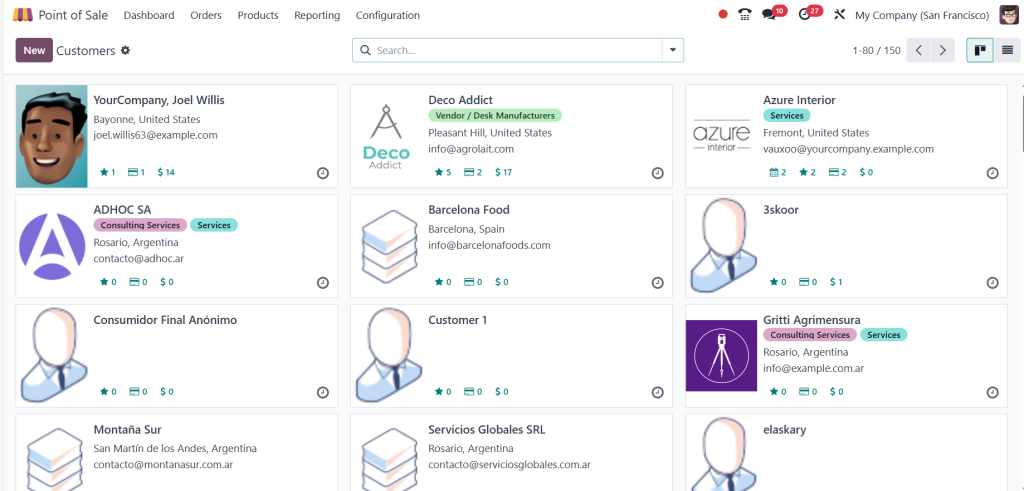
Customer Reports: Analyze customer demographics and purchasing behavior.
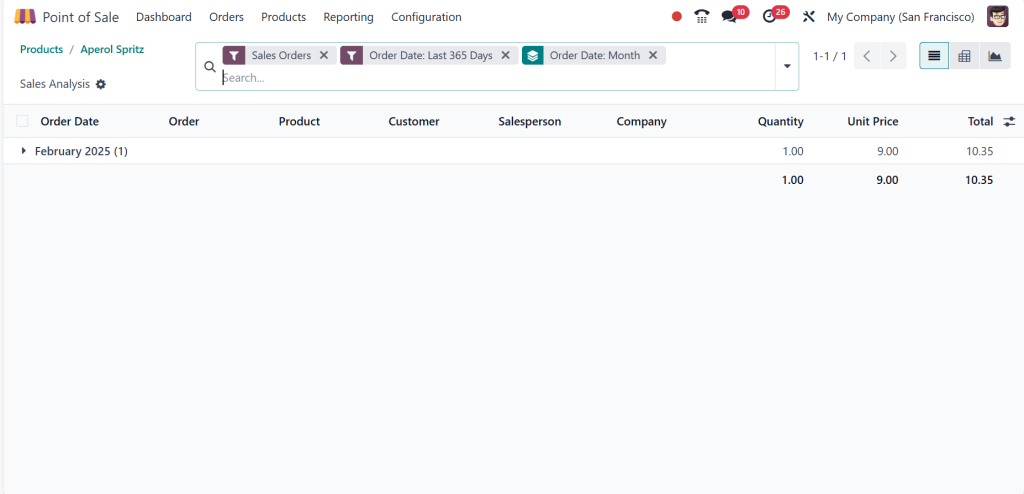
Product Reports: Evaluate product performance and stock levels.
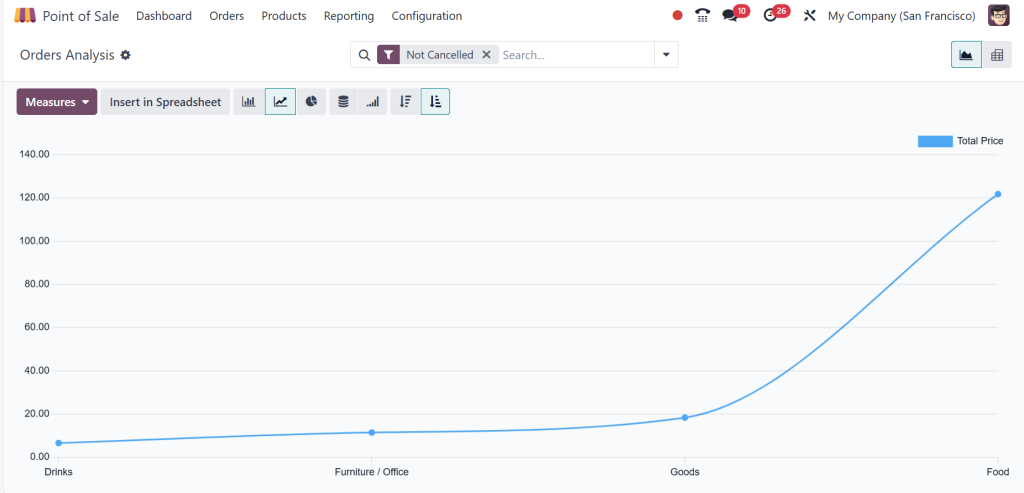
Trend Reports: Monitor changes in sales trends over time.
How to Use Odoo 18 PoS Analytics for Business Growth?
1. Access Reports from the Dashboard: Direct to the analytics section in Odoo 18 PoS.
2. Customize Reports: Filter data based on periods, product categories, or customer segments.
3. Interpret Insights: Use Odoo 18 ERP PoS data analysis to identify growth opportunities.
4. Implement Data-Driven Strategies: Adjust pricing, promotions, and stock levels based on insights.
Enhancing Business Performance with Odoo 18 PoS
Analyzing customer behavior in Odoo 18 PoS, tracking sales trends, and leveraging analytics can significantly enhance business performance. Odoo 18 ERP PoS sales tracking provides real-time insights into transactions, while Odoo 18 ERP PoS customer behavior analysis helps businesses understand buying patterns. Additionally, Odoo 18 ERP PoS reporting and Odoo 18 ERP PoS analytics offer valuable data to improve decision-making.
By leveraging Odoo 18 PoS data analysis and monitoring Odoo 18 PoS performance metrics, retailers can optimize inventory, increase customer satisfaction, and maximize revenue. Implementing a structured approach to tracking sales and trends in Odoo 18 PoS ensures sustainable growth and a competitive edge in the retail market.
Hi, I'm Ilsa Shabbir, an Odoo ERP content writer specializing in functional blogs on Odoo modules. I simplify complex Odoo features, creating clear and engaging content to help businesses understand and optimize their ERP solutions.
We use cookies to ensure that we give you the best experience on our website. If you continue to use this site we will assume that you are happy with it.