Why Odoo 19 Point of Sale Makes Shop Management Easy
Odoo 19 Point of Sale has become one of the easiest and most reliable ways to run a retail shop. Whether you are selling clothes, cosmetics, electronics, groceries, or even bakery items, Odoo makes things faster and simpler. You don’t need complicated tools or separate systems for billing, stock, payments, or customer management. Everything happens inside one friendly platform.
When a customer walks into your store, you want the process to feel smooth. Fast billing, correct stock, clean receipts, no confusion. If a product is not available, your staff should know immediately. If the customer wants a discount or loyalty points, your POS should support it. That is precisely what Odoo 19 Point of Sale offers. This guide will help you understand how to use and configure it, and run your shop successfully with just a few clicks.
In the following sections, we will walk through how to set up Odoo 19 POS, manage your Odoo POS shop, and get the most out of your Odoo POS retail shop. After reading, you will be confident to start using the system in real life.
What Makes Odoo 19 Point of Sale So Helpful?
Running a shop sounds simple, but anyone who has done it knows the truth. You need to keep track of stock, customers, sales, returns, payments, and employees. If one thing goes wrong, everything becomes stressful. Many shop owners deal with delays, stock errors, and unhappy customers because their systems are not connected.
Odoo 19 POS solves this problem beautifully. Everything is connected:
Billing updates the stock.
Stock updates reports.
Reports update decisions.
It feels like someone is helping you from the background, so you can relax and focus more on your customers.
The interface is clean and friendly. Even if your staff has never used software before, they will learn quickly. Buttons are clear, pictures can be added to products, and billing is fast. That means happier customers and fewer complaints.
Setting Up Odoo 19 Point of Sale for Your Shop
Installing and setting up Odoo 19 Point of Sale is very straightforward. You don’t need to be technical. Most shop owners can do it in less than an hour.
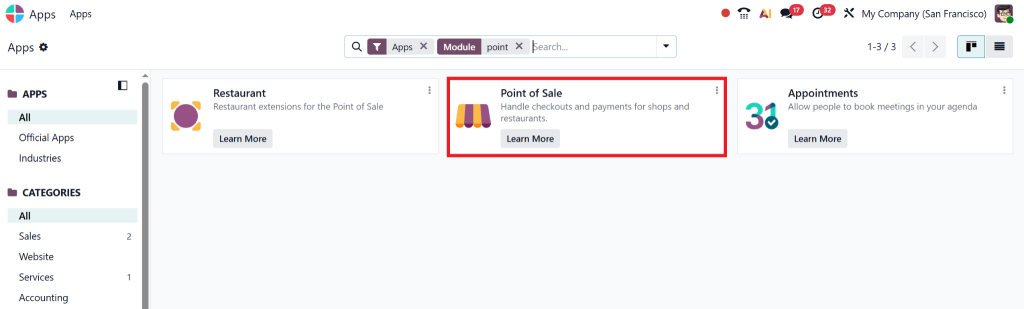
First, you install the Point of Sale app from the Odoo Apps menu.
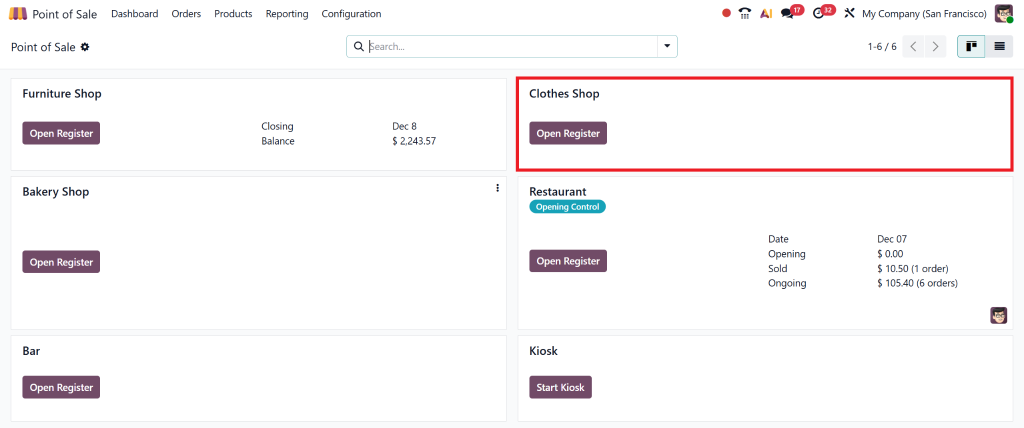
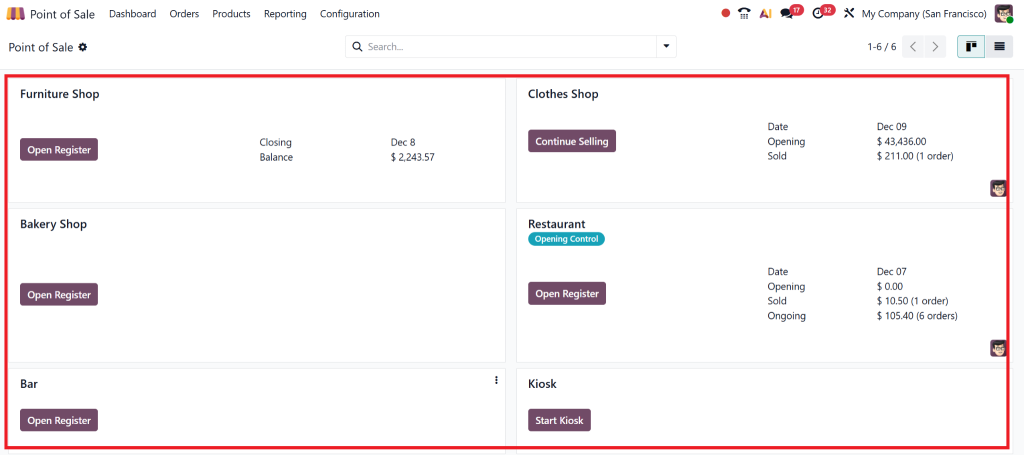
Once it is installed, you can create your POS shop.
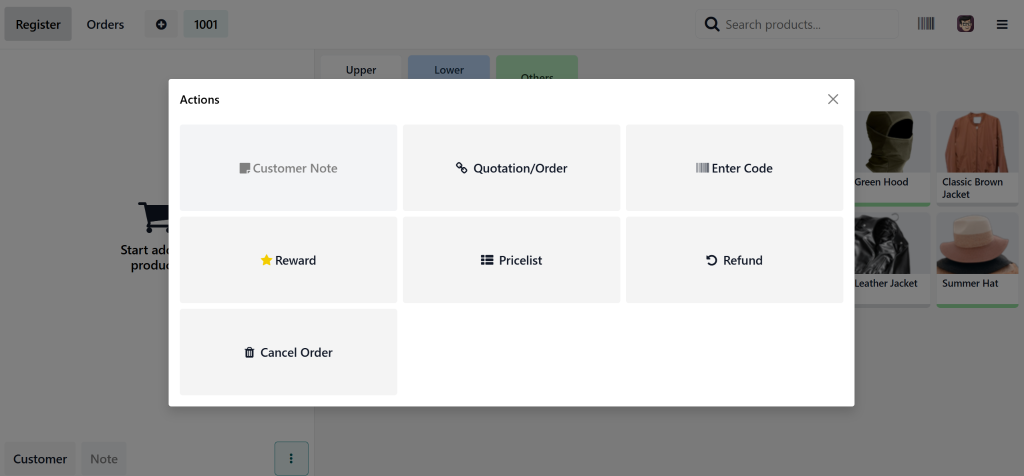
You give it a name, choose payment methods, and connect devices if you are using barcode scanners or printers. Odoo supports all standard retail hardware, making life easier.
This is usually the moment shop owners say, “Wow! That was simple.”
Configuring Products, Categories, and Pricing
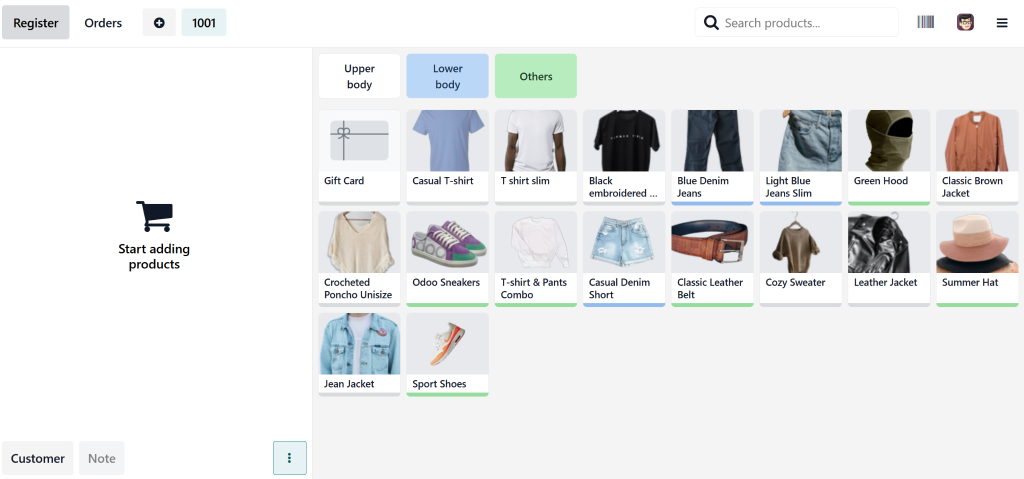
Once your shop is created, the next important step is adding products. Every item you sell needs:
A name
A category
A price
Optionally: barcode, tax, images
It’s better to organize items into categories such as:
Snacks
Household
Fashion
Makeup
Electronics
When customers arrive, your cashier can easily find products. If you connect a barcode scanner, it becomes even faster. Scan the product; it appears on the screen. You click pay, done. Customers love quick service.
This is one of the reasons people prefer Odoo 19 Point of Sale in their shops. It feels fast, friendly, and modern.
Managing Inventory Without Stress
One of the best things about Odoo is inventory management. When you sell something, your stock reduces automatically. You don’t need to update it manually. If you have more than one shop, everything is synchronized.
You can see:
Which products are running low
Which products are selling fast
Which items are not moving at all
This helps you make decisions. If chips are selling fast, you reorder more. If a brand isn’t moving, you reduce stock. No guessing, no mistakes.
This is how an innovative business works, and Odoo 19 Point of Sale makes it possible even for small shops.
Smooth Billing, Happy Customers
Billing is a place where customers either love your shop or hate it. If it is fast, they smile. If they wait too long, they get irritated. With Odoo, billing is quick and clean.
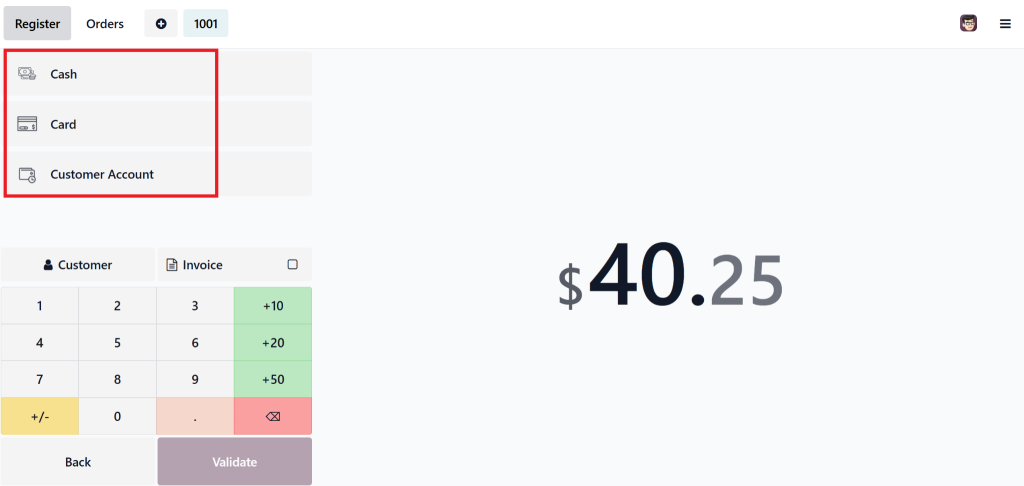
Customers can pay with:
Cash
Card
Mobile wallet
Mixed payments
Receipts print in seconds. Discounts, promotions, loyalty points, everything is supported. When a customer comes again, your system remembers them. That feeling of personal service makes customers come back more often.
This is how Odoo POS management helps increase loyalty and repeat business.
Works Even Without Internet
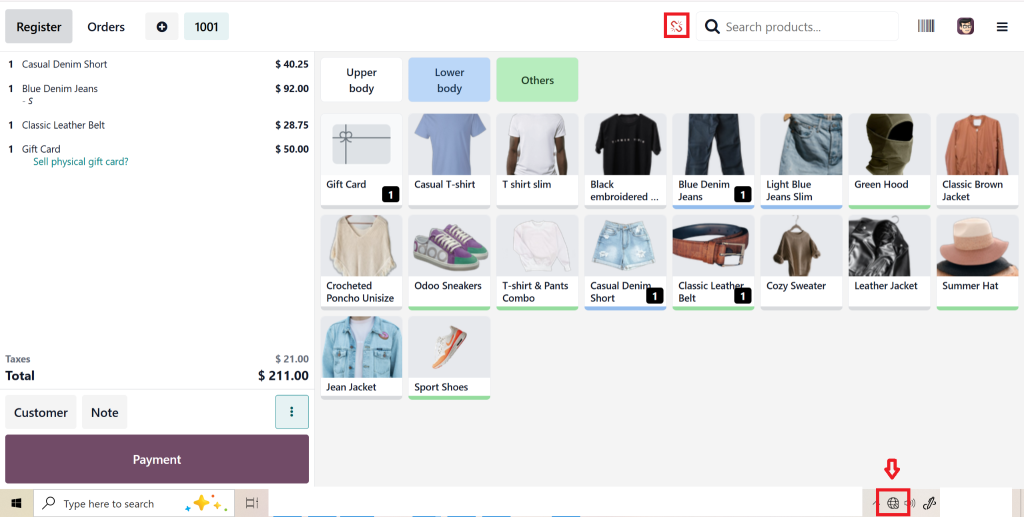
One feature that shop owners absolutely love: Odoo POS works even offline.
If the internet stops working, billing continues normally. When the internet comes back, everything syncs. This means:
No panic
No delay
No angry crowd near the counter
Your business keeps moving. This is one of the strongest reasons retail owners choose Odoo 19 Point of Sale instead of traditional systems.
Reports That Help You Think Like a Business Owner
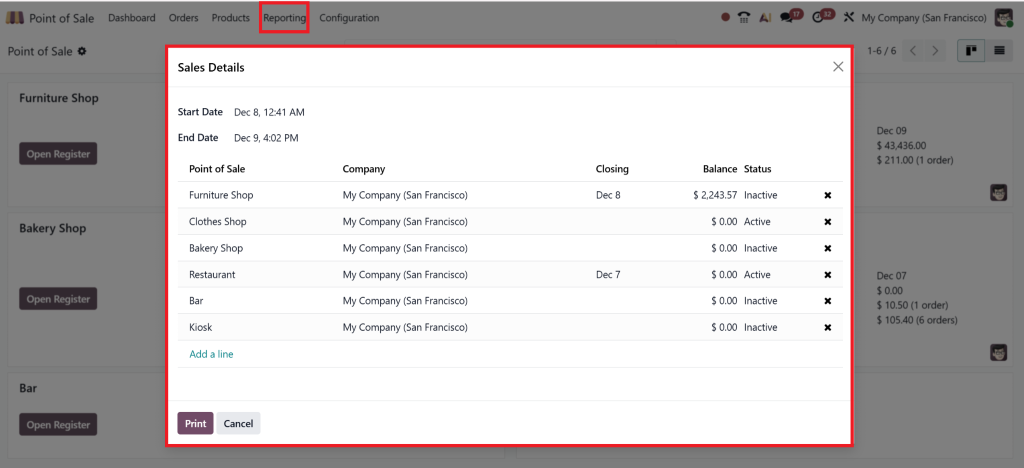
At the end of the day or week, you can open the reports and see precisely how your shop is doing. You don’t have to calculate anything. Odoo shows:
Total sales
Top-selling products
Payment types
Employee activity
These reports help you see what is working and what needs improvement. Your shop sells more on weekends. A particular product is selling only because it’s near the entrance. A specific cashier is very fast.
Good decisions grow your business. Odoo gives you all the information you need.
Multiple Shops? No Problem.
Some shop owners manage more than one location. With Odoo, this becomes incredibly easy. You can open a second shop, connect stock, connect employees, and run both shops from the same interface.
You can compare which location sells more, transfer items between shops, and keep everything visible in one place. Many companies love this feature because they no longer need separate systems.
Employee Management the Simple Way
It’s natural for shop owners to worry about employee misuse. Odoo helps here too. Each employee can log in with a PIN or a password. Their actions are recorded. You can see who gave a discount, who closed the session, and who returned an item.
This transparency makes business clean and reduces mistakes.
Real-Life Example: How a Shop Became Faster With Odoo
A boutique owner faced problems every day: billing errors, incorrect stock counts, and unhappy customers waiting in line. After switching to Odoo 19 Point of Sale, everything changed. Billing became fast, inventory became accurate, and end-of-day reports were correct.
Customers started returning more often because checkout was smooth. The owner said, “I wish I had done this earlier.” This is the magic of Odoo; it makes daily work easier, and customers feel the difference.
Why Odoo 19 Point of Sale Is a Smart Decision
Businesses today don’t want complicated tools. They want something simple, friendly, and powerful. Odoo 19 Point of Sale gives exactly that.
It offers:
Easy setup
Fast billing
Automatic stock
Good reports
Works online and offline
Multiple shops
Employee control
Most importantly, it grows with your business. If your shop expands, Odoo expands with you. You can add more modules later, like accounting, purchasing, ecommerce, and CRM. Everything connects.
Your Shop Deserves Odoo
If you want to run a modern shop that customers love, Odoo 19 Point of Sale is one of the best choices available today. It is friendly, reliable, and robust. You can start small and grow over time.
With Odoo, you get peace of mind: billing, stock, employees, and reports, all in one place. Your shop becomes faster, wiser, and more efficient.
Hi, I'm Nabia, an Odoo ERP functional & technical content writer. I specialize in blogs, social media content, ad copy, landing pages, service pages, and email campaigns.
We use cookies to ensure that we give you the best experience on our website. If you continue to use this site we will assume that you are happy with it.