Why You Must Learn How to Avoid Stock Errors in Odoo 19
Inventory mistakes are one of the most frustrating problems in any business.
You think you have stock… but it’s not there. You promise delivery… but the system shows wrong quantities. And suddenly, customers are unhappy, your team is stressed, and your operations slow down.
That’s exactly why understanding how to avoid stock errors in Odoo 19 is so important.
Even though Odoo is a powerful ERP, businesses still face Odoo 19 stock errors due to poor setup, manual mistakes, or a lack of proper processes. And when these issues pile up, they directly impact your revenue and reputation.
To maintain strong Odoo 19 inventory accuracy, you need more than just software; you need the right strategy.
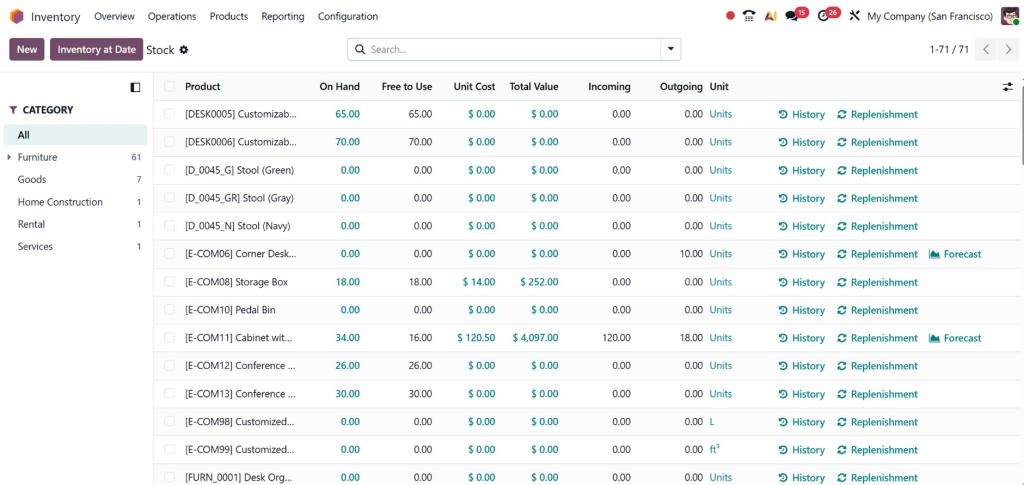
Many companies struggle with Odoo 19 stock discrepancies, especially when inventory is handled manually or across multiple warehouses. If not addressed early, it becomes difficult to fix inventory mismatch in Odoo 19, leading to confusion in reporting and decision-making.
Another major issue? Negative stock. If not controlled properly, it can completely distort your data. That’s why learning how to prevent negative stock in Odoo 19 is a must.
In this guide, we’re not just going to talk theory. We’ll walk through real, practical ways to improve your inventory system using Odoo 19 stock management tips, better tracking methods, and smart automation.
By the end, you’ll clearly understand how to avoid stock errors in Odoo 19 and how to build a system that actually works, smoothly, accurately, and reliably.
Where Do Stock Errors in Odoo 19 Actually Come From?
Before fixing anything, you need to understand the root of the problem.
Most businesses assume stock errors are “system issues.” But in reality, they’re process issues.
1. Too Much Manual Work
If your team is entering data manually, errors are guaranteed. A single wrong entry can create a chain reaction of Odoo 19 stock errors.
2. No Real-Time Updates
If the stock isn’t updated instantly, your system becomes outdated. This directly affects Odoo 19’s inventory accuracy.
3. Poor Warehouse Structure
When products are not assigned to proper locations, it leads to confusion and Odoo 19 stock discrepancies.
4. No Tracking System
Without Odoo 19 traceability and lot tracking, you lose visibility of product movement.
5. Allowing Negative Stock
This is one of the biggest mistakes. If you don’t control it, your reports will never match reality.
How to Avoid Stock Errors in Odoo 19 with the Right System Setup
If your foundation is strong, most problems disappear automatically.
1. Activate Real-Time Inventory Tracking
Every stock movement should be recorded instantly.
This ensures:
Accurate stock levels
Better reporting
Fewer discrepancies
It’s one of the easiest ways to improve Odoo 19 inventory accuracy.
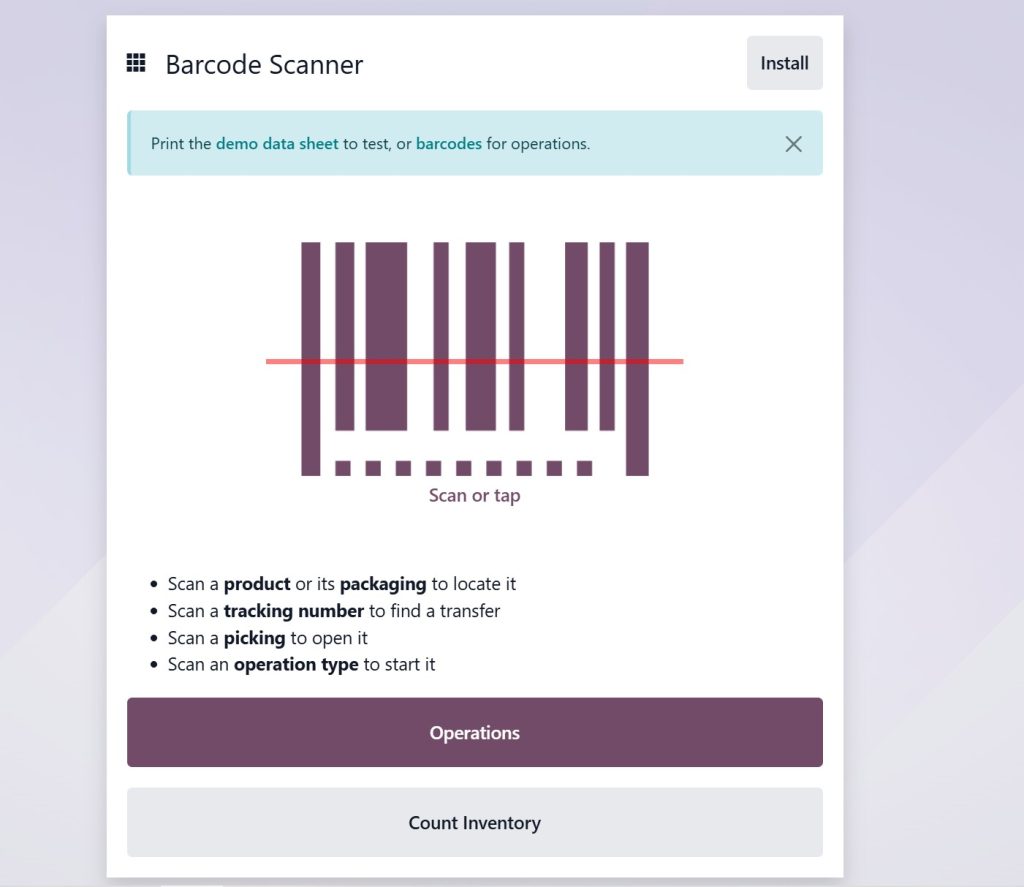
2. Use Barcode Scanning Instead of Manual Entry
Barcode scanning:
Reduces human error
Speeds up operations
Improves tracking
This simple step can drastically reduce Odoo 19 stock errors.
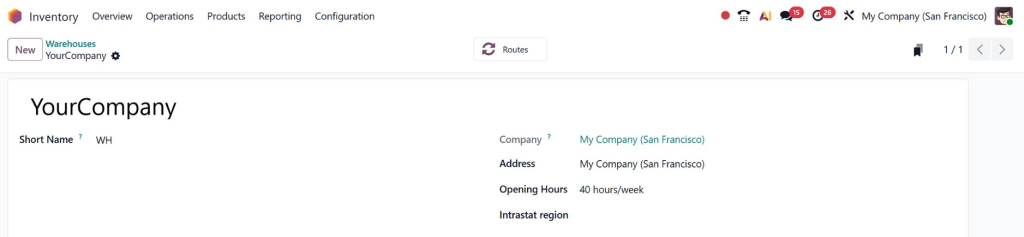
3. Organize Your Warehouse Properly
A messy warehouse = messy data.
Define:
Storage locations
Zones
Product categories
This minimizes Odoo 19 stock discrepancies and improves efficiency.
4. Control Negative Stock Settings
If your system allows selling items you don’t have, problems are inevitable.
To prevent negative stock in Odoo 19:
Disable negative stock
Add validation rules
Train your team to verify stock
Practical Ways to Maintain Inventory Accuracy in Odoo 19
Now let’s talk about daily practices that actually make a difference.
Perform Regular Stock Audits
Don’t wait for problems to appear.
Weekly or monthly audits help you:
Detect errors early
Maintain Odoo 19 inventory accuracy
Reduce long-term losses
Use Inventory Adjustments Wisely
Adjustments are powerful, but risky if misused.
Follow Odoo 19 inventory adjustment best practices:
Always document changes
Assign responsibility
Avoid frequent unnecessary adjustments
Automate Reordering
Running out of stock or overstocking both create issues.
Automation helps:
Maintain optimal levels
Reduce human errors
Improve planning
Train Your Team (This is Critical)
Even the best system fails with an untrained team.
Make sure your staff:
Understands workflows
Knows how to record stock properly
Follows standard procedures
How to Prevent Negative Stock in Odoo 19 (The Smart Way)
Negative stock is not just a small issue; it’s a silent data killer.
Why It Happens
Sales recorded before stock entry
Delayed updates
Poor coordination
How to Fix It
To prevent negative stock in Odoo 19:
Enable stock validation rules
Use real-time updates
Check stock before confirming orders
This keeps your data clean and reliable.
How to Fix Inventory Mismatch in Odoo 19 Without Confusion
Even with the best setup, mismatches can happen.
The key is handling them correctly.
Step 1: Identify the Source
Check:
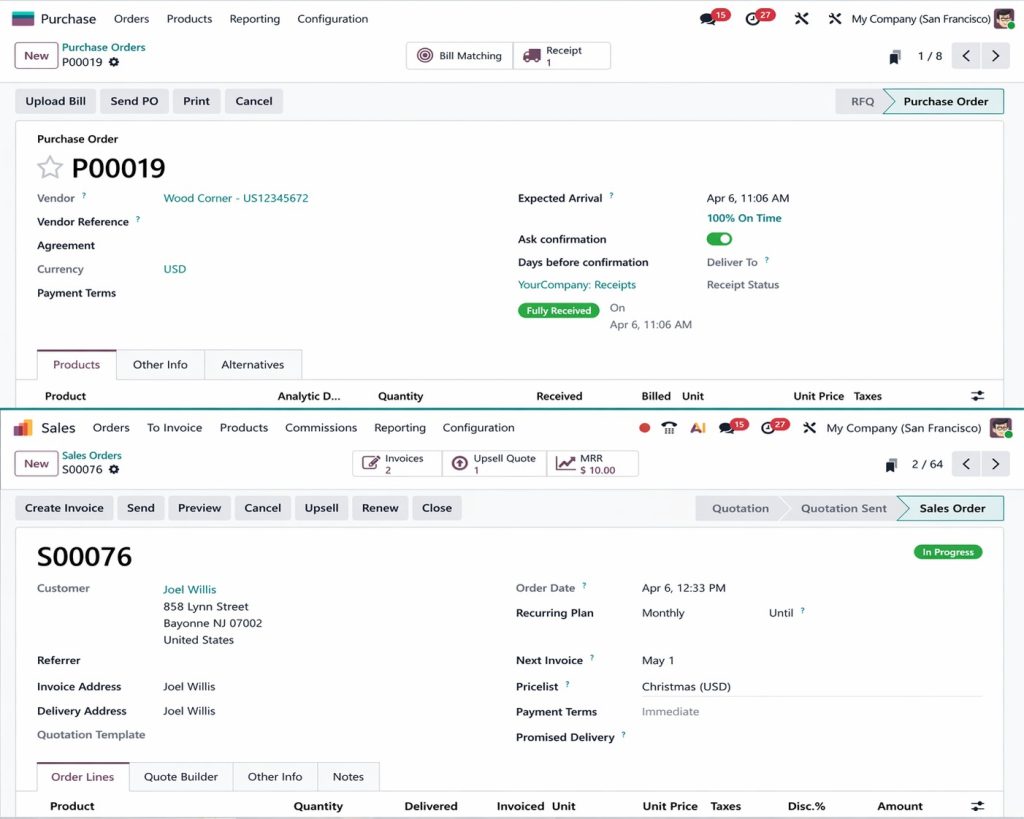
Purchase orders
Sales orders
Internal transfers
Step 2: Use Odoo Adjustment Tools
Odoo provides built-in tools to fix inventory mismatch in Odoo 19 quickly and accurately.
Step 3: Review Movement History
Track every transaction to find where the issue started.
This helps eliminate recurring Odoo 19 stock discrepancies.
Improve Visibility with Traceability and Lot Tracking
If you want full control over inventory, tracking is essential.
What is Lot & Serial Tracking?
It allows you to track each product batch from purchase to delivery.
Why It Matters
Using Odoo 19 traceability and lot tracking:
Improves transparency
Helps in quality control
Reduces errors
Real Business Impact
Imagine recalling a defective batch in minutes instead of hours. That’s the power of traceability.
Odoo 19 Stock Management Tips That Actually Work
These are the habits that successful businesses follow:
Keep everything updated in real-time
Avoid manual overrides
Monitor reports weekly
Use automation wherever possible
Maintain clear workflows
These Odoo 19 stock management tips may sound basic, but they make a huge difference.
Why Your Business Still Faces Stock Errors (And How Netilligence Fixes It)
Here’s the truth: most companies don’t realize:
It’s not Odoo that’s failing… It’s the way it’s implemented.
At Netilligence, we don’t just “install” Odo;, we design a system that works for your business.
We help you:
Set up inventory the right way
Eliminate Odoo 19 stock errors
Improve Odoo 19 inventory accuracy
Automate workflows
Train your team
So instead of constantly trying to fix inventory mismatch in Odoo 19, you prevent problems before they even start.
Build a System That Works for You
Inventory errors don’t just affect stock; they affect your entire business.
Missed deliveries Unhappy customers Lost revenue
But the good news? All of this is preventable.
Once you truly understand how to avoid stock errors in Odoo 19, everything changes. Your operations become smoother, your data becomes reliable, and your team becomes more confident.
And if you want to get it right from day one…
Don’t just manage inventory, master it with Netilligence.
Hi, I'm Nabia, an Odoo ERP functional & technical content writer. I specialize in blogs, social media content, ad copy, landing pages, service pages, and email campaigns.
We use cookies to ensure that we give you the best experience on our website. If you continue to use this site we will assume that you are happy with it.