

In today’s fast-paced retail environment, having the right tools is essential for success. As more retailers look for ways to sleek operations and improve customer experiences, implementing an Enterprise Resource Planning (ERP) system can be a game changer. Enter Odoo 18—a robust ERP solution designed specifically to meet the varied needs of retail businesses. This implement Odoo 18 ERP aims to simplify setting up Odoo 18 for your retail operations, highlighting its numerous benefits and features. Whether you’re a small boutique or a large chain, leveraging Odoo 18 can elevate your retail game, making it a smart choice for line of work ready to embrace efficiency and growth.
Why Choose Odoo 18 for Your Retail Business?
Benefits of Odoo 18 for Retail
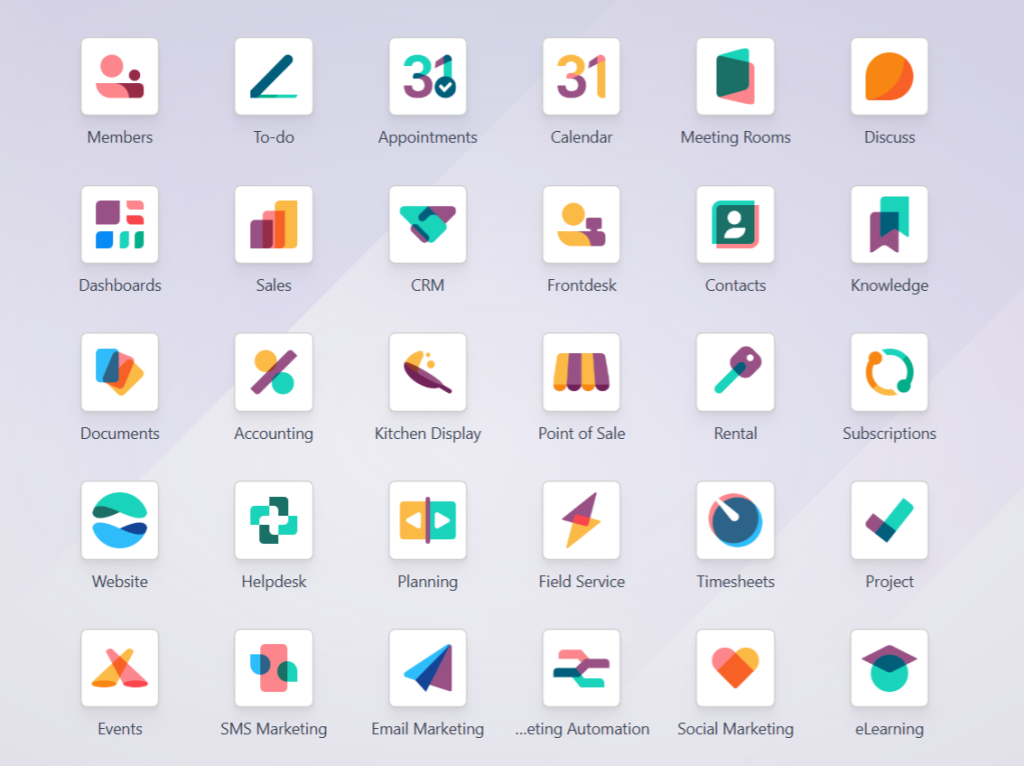
Functionality: One of the standout features of Odoo 18 is its extensive range of modules adapt for retail operations. From list and customer relationship management (CRM) to e-commerce and accounting, Odoo offers everything you need to run an effective retail business.
User-Friendly Interface: No one wants to spend hours figuring out how to use a new system. Odoo 18’s intuitive interface is designed with users in mind, allowing your team to hit the ground running and minimize training time.
Scalability: Whether you dream of expanding your store locations or adding new product lines, Odoo 18 scales with your business. Its modular approach means you can add functionalities as you grow, ensuring you always have the tools you need.
Cost-Effectiveness: Investing in an ERP system may seem daunting, but Odoo 18 offers a flexible pricing model. It provides enterprise-level capabilities without the enterprise-level cost, making it accessible for businesses of all sizes.
Real-Time Data Access: Odoo 18 allows you to use real-time data and analytics. This is crucial for making quick, informed decisions, from inventory management to understanding sales trends and customer preferences.
Customisation Options: Retail businesses often have unique processes. Luckily, Odoo 18 allows extensive customization, allowing you to tailor the software to meet your needs and workflows.
Odoo 18 Features for Retail Management
- Point of Sale (POS): Designed for retail environments, the POS module in Odoo 18 is user-friendly and functional. Whether in-store or at a market, it allows seamless payment processing and integrates with your inventory management system.
- Inventory Management: Bid farewell to overstocking and stockouts! With advanced inventory tracking features, Odoo 18 helps you effectively manage stock levels, automate reordering, and amend your warehouse operations.
- E-commerce Integration: Online shopping is here to stay. Odoo 18 allows seamless e-commerce integration, enabling you to manage your online and offline sales from one central dashboard.
- Customer Relationship Management (CRM): Understand your customers better with Odoo 18’s CRM module. Track interactions, manage leads, and analyze customer behaviour to strengthen your sales strategy.
- Reporting and Analytics: Want to know how well you’re performing? Odoo 18 provides powerful reporting tools that enable you to dive deep into your sales performance and inventory turnover, helping you make data-backed decisions.2
Odoo 18 Step-by-Step Implementation for Retail
Step 1: Define Your Requirements
Implementing an ERP system like Odoo 18 begins with clearly understanding your business needs. What specific modules do you require? Are you focused more on inventory management, or is a robust POS system more critical? Outline your requirements to set a solid foundation for your implementation journey.
Step 2: Choose the Right Hosting Option
Deciding between on-premise or cloud hosting is crucial. For many retail businesses, cloud hosting is often the better choice. It’s flexible and scalable and reduces the burden of system maintenance, allowing you to focus on serving your customers instead.
Step 3: Install Odoo 18
Now comes the exciting part! If you’re tech-savvy, you can install Odoo 18 yourself, but if that’s not your forte, hiring an Odoo partner or consultant can save you time—and possibly headaches, during the installation process.
Step 4: Configure the System
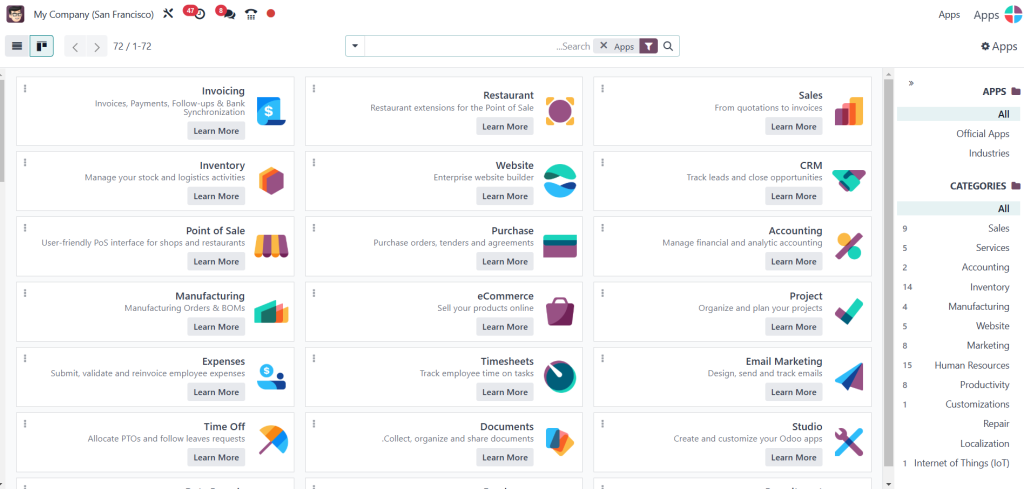
Once installed, Odoo 18 must be configured to match your retail operations. Customize your retail locations, set up various payment methods, adjust tax settings, and integrate your e-commerce platform. This step is crucial as a well-configured system ensures smooth day-to-day operations.
Step 5: Import Data
Don’t start from scratch! Use Odoo’s import tools to bring your existing data into the system, including customer information, product descriptions, and past sales data. The more accurate and complete the information, the better your new ERP will serve you.
Step 6: Train Your Team
Investing in your team’s understanding of Odoo 18 pays off tremendously. A well-trained staff will be more confident using the system, improving efficiency and productivity. Utilize Odoo’s complete documentation and training resources.
Step 7: Go Live
Once everything is set up and your team is trained, it’s time to go live! Initially, monitor the system closely to address any issues quickly, ensuring your transition to Odoo 18 is as smooth as possible.
Step 8: Continuous Improvement
Your work doesn’t stop once Odoo 18 is up and running. Review your processes and Odoo 18’s performance regularly. Take advantage of new features and updates to continually improve your retail operations.
Implement Odoo 18 ERP for retail can be a transformative step
This Odoo 18 ERP implementation guide provides a comprehensive overview designed to simplify your setup and maximize the benefits you can reap from this powerful tool. Odoo 18’s myriad features and advantages can help you streamline your operations, enhance customer engagement, and ultimately drive growth.




