


In the realm of inventory management, precision and efficiency are paramount. reception report in odoo 18 ensures that incoming shipments are accurately recorded and processed. In today’s fast-paced business environment, effective management of inventory is essential for maintaining operational efficiency, reducing costs, and enhancing customer satisfaction. The Odoo 18 inventory management system offers a comprehensive solution for businesses looking to streamline their Odoo 18 stock reception process. This blog post will explore the intricacies of managing reception reports in Odoo 18, exploring its features, benefits, and best practices.
Understanding Reception Report in Odoo 18 Inventory Management
Odoo 18 is a robust enterprise resource planning (ERP) solution encompassing various business functions, including inventory management. The Odoo 18 inventory management module facilitates seamless tracking and organization of stock levels, orders, and shipments. With its intuitive interface and powerful features, Odoo 18 simplifies the complexities of warehouse operations, enabling businesses to maintain optimal inventory levels and improve overall efficiency.
The Importance of Odoo 18 Incoming Shipments
Incoming shipments are a critical component of inventory management. They represent the flow of goods into a warehouse and must be meticulously tracked to ensure accuracy. The Odoo 18 incoming shipments feature allows businesses to manage their stock reception process effectively. By utilizing this feature, organizations can monitor the status of shipments, verify quantities, and ensure that products are received in good condition.
Odoo 18 Stock Reception Process
The Odoo 18 stock reception process involves several key steps, including creating reception reports, verifying received goods, and updating inventory records. To streamline this process, businesses can follow these best practices:
- Create Reception Reports: Users should create a reception report in the Odoo 18 system upon receiving a shipment. This report formally records the goods received, including item descriptions, quantities, and discrepancies.
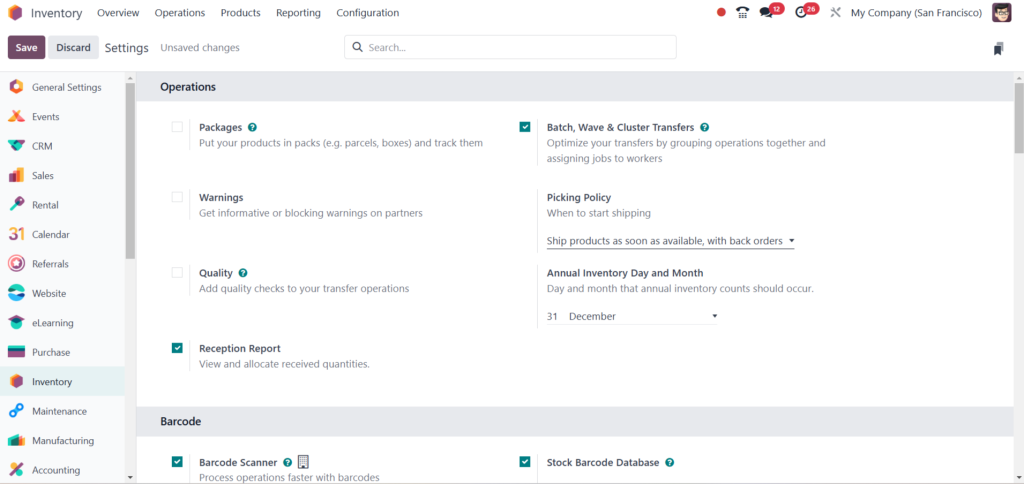
- Verify Received Goods: After creating the reception report, verifying the received goods against the purchase order is essential. This step ensures that the correct items and quantities have been delivered.
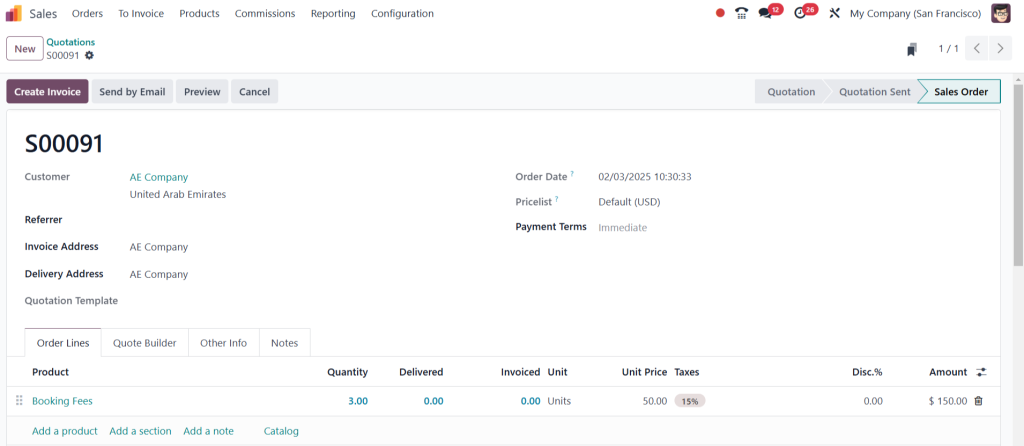
- Update Inventory Records: Once the verification process is complete, businesses should update their inventory records to reflect the new stock levels. This step is crucial for maintaining accurate inventory data and avoiding stock outs or overstock situations.
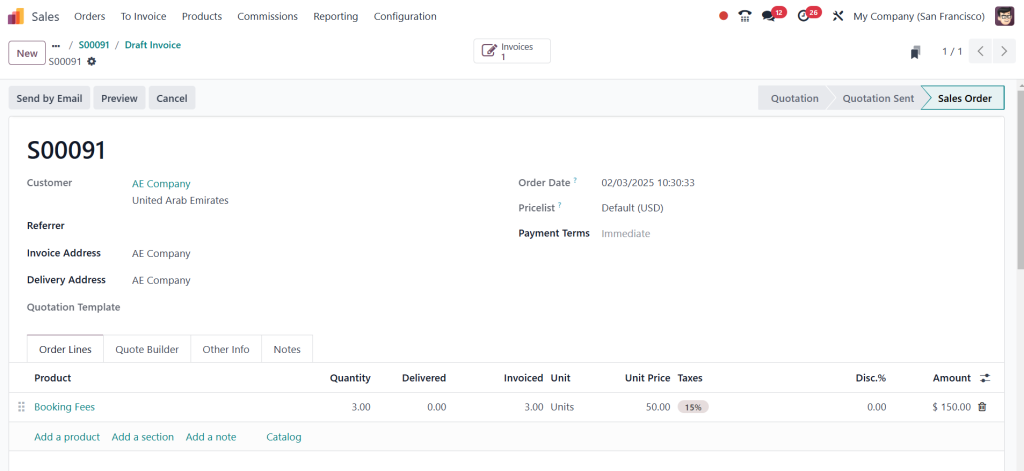
- Handle Discrepancies: In cases where discrepancies are identified, such as missing items or damaged goods, businesses should take immediate action to resolve these issues. This may involve contacting suppliers, initiating returns, or adjusting inventory records accordingly.
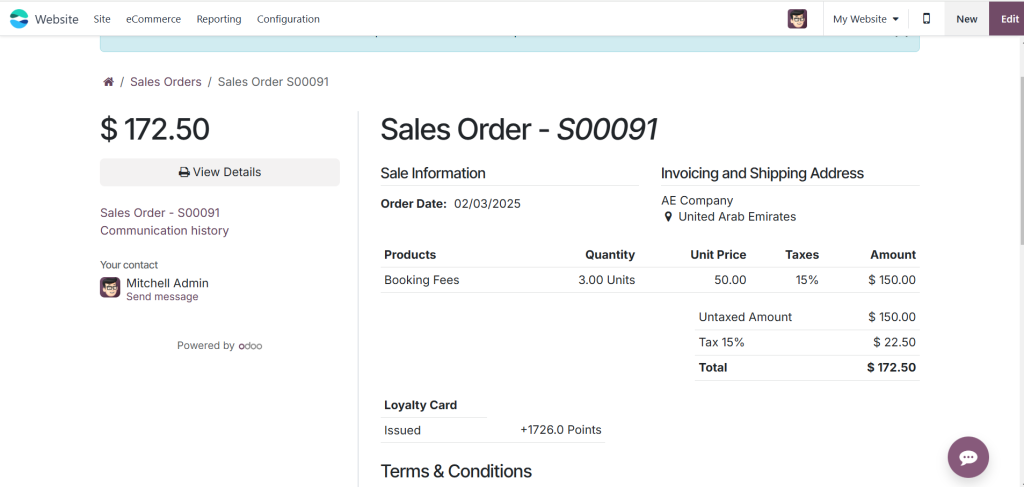
Enhancing Odoo 18 Inventory Reporting
Effective inventory reporting is vital for informed decision-making. The Odoo 18 inventory reporting feature gives businesses valuable insights into stock levels, turnover rates, and overall inventory performance. By leveraging these reports, organizations can identify trends, forecast demand, and make data-driven decisions to optimize inventory management strategies.
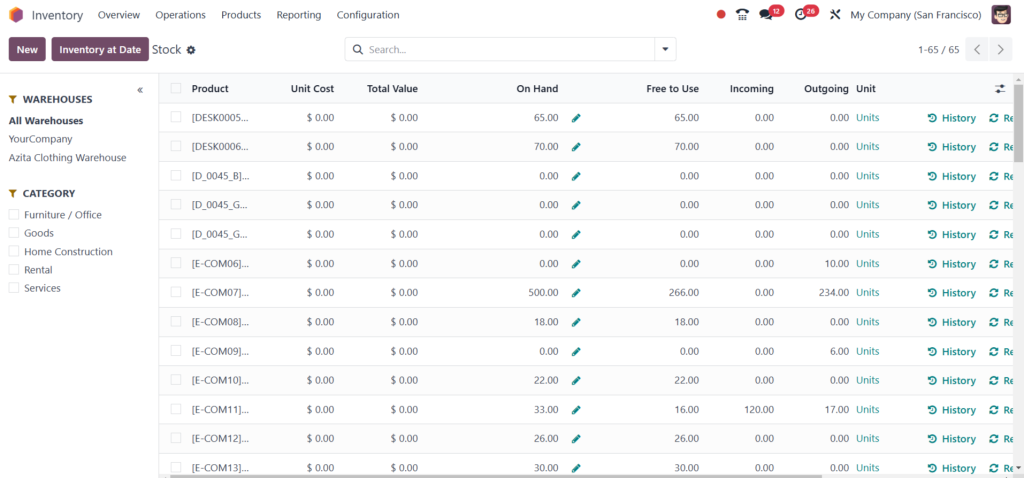
Key Reports to Utilize in Odoo 18
- Stock Moves Report: This report provides a comprehensive overview of all stock movements within the warehouse, allowing businesses to track incoming and outgoing shipments effectively.
- Inventory Valuation Report: This report offers insights into the value of current inventory, helping businesses assess their financial standing and make informed purchasing decisions.
- Product Performance Report: This report highlights the performance of individual products, enabling businesses to identify bestsellers and slow-moving items.
Optimizing Odoo 18 Warehouse Operations
Efficient warehouse operations are essential for successful inventory management. The Odoo 18 warehouse operations module offers a range of tools to streamline processes, improve accuracy, and enhance productivity. Key features include:
– Barcode Scanning: Utilizing barcode scanning technology can significantly reduce errors during the stock reception process. By scanning items as received, businesses can ensure that the correct products are recorded in the system.
– Automated Workflows: Odoo 18 allows users to automate various workflows related to inventory management, such as stock reordering and shipment notifications. Automation minimizes manual intervention, reducing the risk of errors and improving overall efficiency.
– Real-Time Tracking: With Odoo 18, businesses can track inventory levels in real-time, enabling them to respond swiftly to changes in demand and avoid stockouts.
Managing Goods Receipt in Odoo 18
Odoo 18 goods receipt management is a critical inventory control aspect. It involves systematically handling incoming goods to ensure they are accurately recorded and stored. To manage goods receipt effectively, businesses should consider the following strategies:
- Establish Standard Operating Procedures (SOPs): Developing clear SOPs for the goods receipt process helps ensure consistency and accuracy. These procedures should outline each process step, from receiving shipments to updating inventory records.
- Train Staff: Providing comprehensive training in goods receipt is essential. Employees should be familiar with the Odoo 18 system and the procedures for verifying and recording received goods.
- Regular Audits: Conducting regular audits of inventory levels and goods receipt processes can help identify potential issues and areas for improvement. Audits ensure that discrepancies are addressed promptly and that inventory records remain accurate.
Mastering the Odoo 18 Reception Report
Effectively managing the Odoo 18 reception report is vital for businesses looking to enhance their inventory management practices. By understanding the Odoo 18 stock reception process, leveraging inventory reporting features, and optimizing warehouse operations, organizations can improve accuracy, reduce costs, and enhance customer satisfaction. Implementing best practices for Odoo 18 goods receipt management will ensure that incoming shipments are processed efficiently and accurately.
By embracing the capabilities of Odoo 18, businesses can transform their inventory management processes, paving the way for greater operational efficiency and success in today’s competitive landscape.




