

In the ever-evolving landscape of online retail, efficient order management is paramount. Odoo 18 eCommerce offers a robust solution that simplifies the reordering process for businesses and customers. With the introduction of the Odoo 18 customer portal, managing orders has never been easier. This powerful platform enhances user experience and streamlines businesses’ workflow. In this blog post, we will delve into the intricacies of Odoo 18 reordering, focusing on effectively utilizing the Odoo 18 portal reordering feature.
Understanding Odoo 18 eCommerce Features
Odoo 18 eCommerce comes with many features designed to enhance the online shopping experience. Among these features, the Odoo 18 customer portal stands out by providing customers with a dedicated space to manage their orders, view purchase history, and initiate reorders seamlessly. This capability particularly benefits businesses that foster customer loyalty and encourage repeat purchases.
Key Features of Odoo 18 eCommerce
- User-Friendly Interface: Odoo 18 eCommerce boasts an intuitive interface, making navigation effortless for customers.
- Customer Portal: The Odoo 18 customer portal allows users to access their accounts, track orders, and manage their preferences.
- Automated Notifications: Customers receive timely notifications regarding order status, ensuring they are always informed.
- Reordering Functionality: The Odoo 18 portal reordering feature enables customers to reorder products, quickly saving time and enhancing convenience.
- Mobile Responsiveness: Odoo 18 eCommerce is designed to be mobile-friendly, ensuring that customers can manage their orders on the go.
The Importance of Odoo 18 Reordering
Efficient Reordering is crucial for maintaining inventory levels and satisfying customer demands. Odoo 18 reordering capabilities allow businesses to automate and streamline this process. By utilizing the Odoo 18 product reorder feature, companies can ensure that popular items are always in stock, reducing the risk of lost sales due to stockouts.
Benefits of Odoo 18 Reordering
– Time Efficiency: Customers can quickly reorder products without the need to search for them again.
– Increased Sales: Simplified Reordering encourages repeat purchases, increasing sales and customer retention.
– Inventory Management: Businesses can better manage their inventory levels, ensuring they have the right products available at the right time.
– Enhanced Customer Experience: A seamless reordering process contributes to a positive customer experience and fosters loyalty.
How to Manage Reordering from the Odoo 18 Customer Portal
Managing reorders through the Odoo 18 customer portal is a straightforward process. Here’s how to effectively utilize this feature:
Step 1: Accessing the Customer Portal
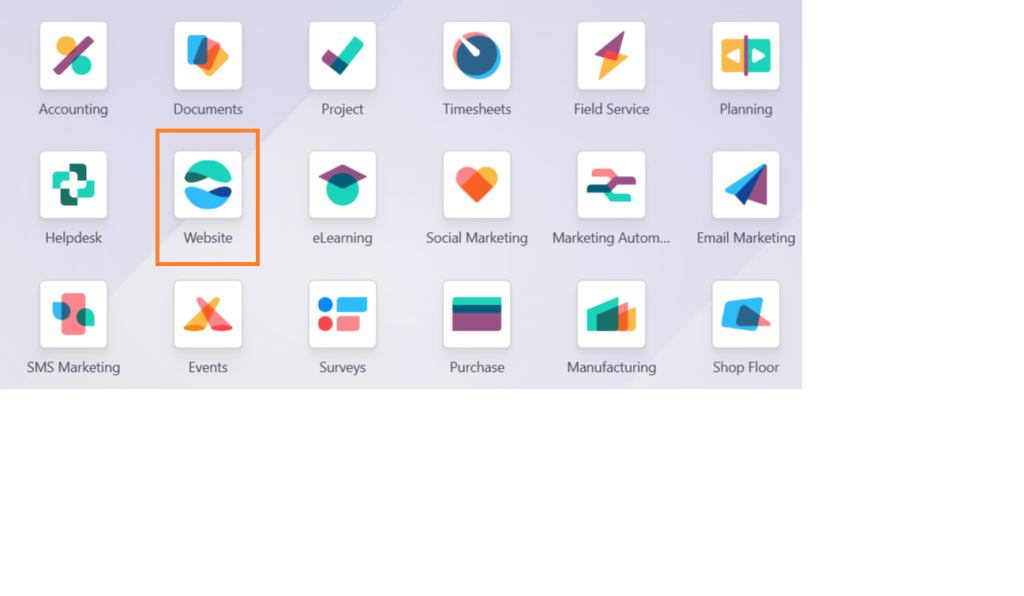
Customers can access the Odoo 18 customer portal with their credentials. Once logged in, they will be greeted with a dashboard that displays their recent orders and account information.
Step 2: Viewing Order History
To initiate a reorder, customers should navigate to the “My Orders” section within the portal. They can view their order history, including order dates, product names, and quantities.
Step 3: Selecting Products for Reorder
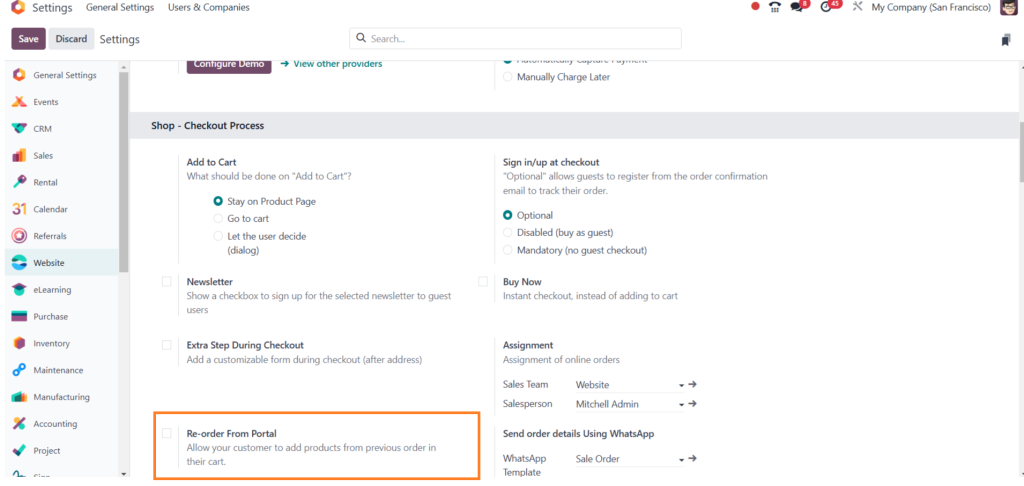
Once customers identify the products they wish to reorder, they can select them directly from their order history. The Odoo 18 portal reordering feature allows users to add items to their cart with a single click quickly.
Step 4: Adjusting Quantities
After adding items to their carts, customers can adjust the quantities as needed. This flexibility ensures that they can reorder the exact amount they require.
Step 5: Completing the Order
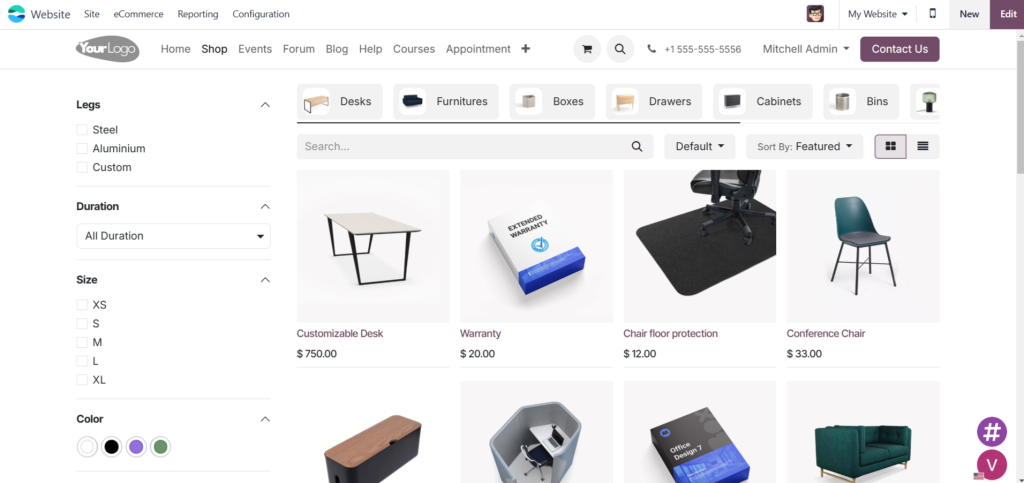
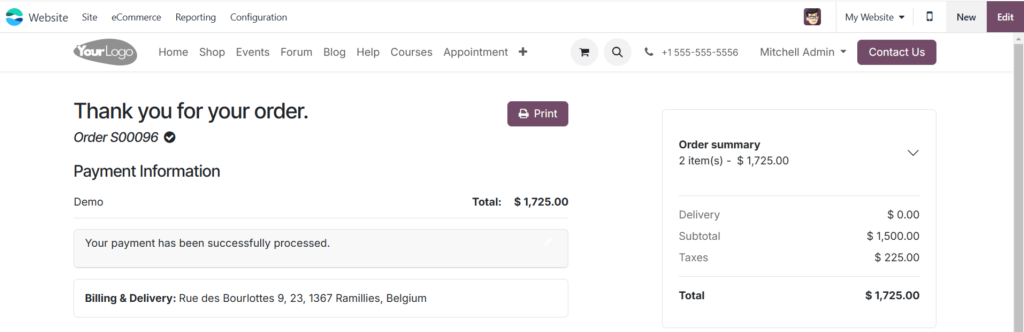
Once the cart is updated, customers can proceed to checkout. The Odoo 18 eCommerce platform supports various payment methods, making the transaction process smooth and secure.
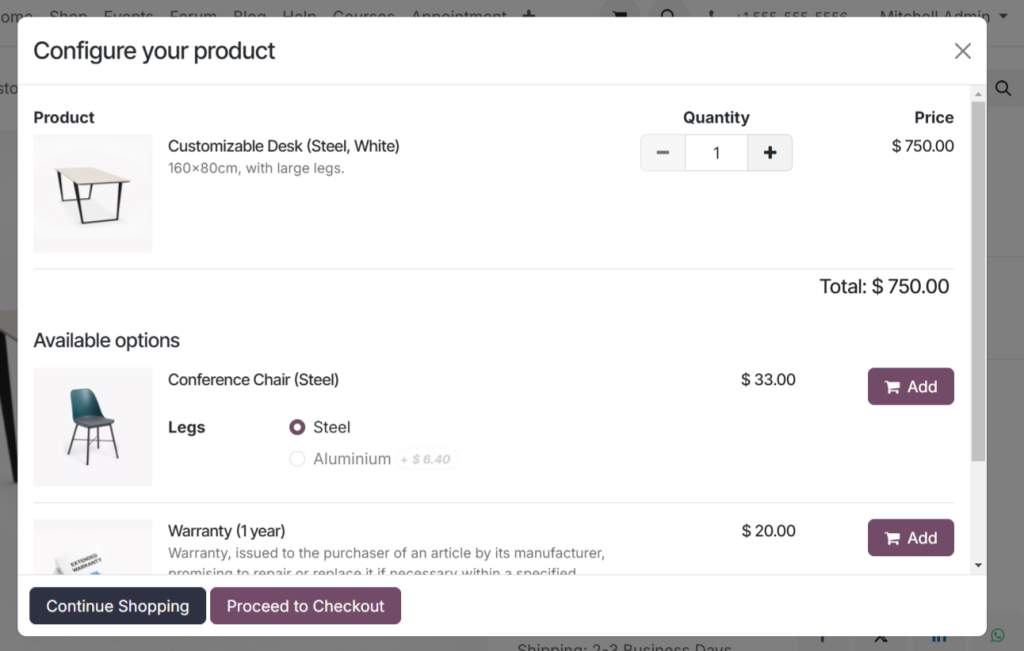
click continue shopping
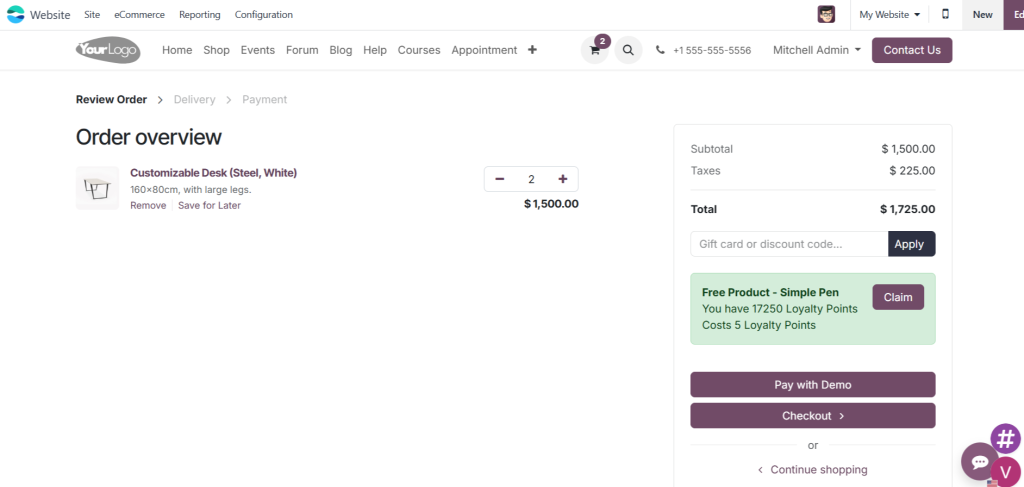
Order overview with checkout option
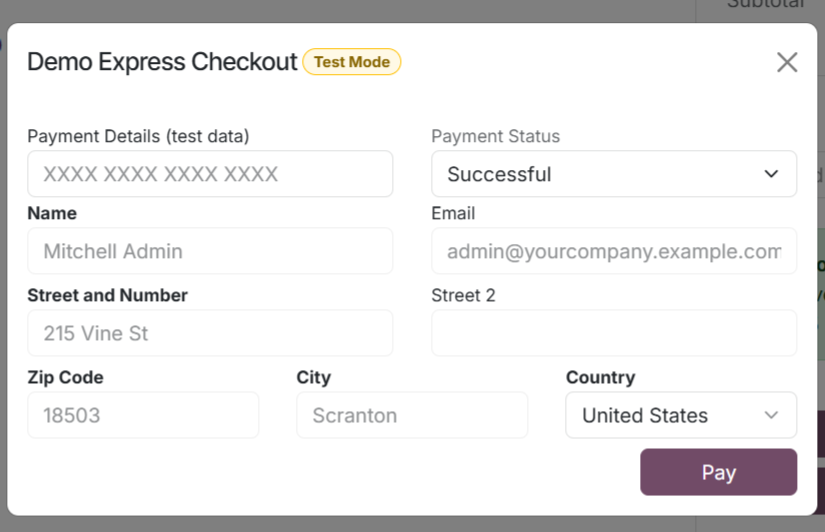
check out list
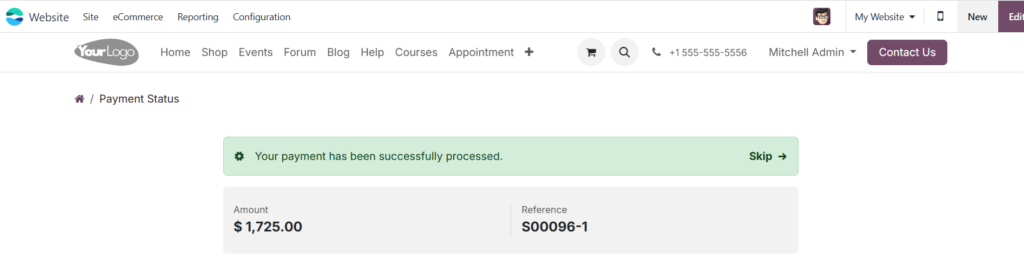
payment process
Tips for Businesses to Enhance Odoo 18 Portal Reordering
To maximize the benefits of Odoo 18 reordering, businesses should consider the following tips:
- Promote the Customer Portal: Ensure customers are aware of the Odoo 18 customer portal and its features.
- Encourage Feedback: Solicit Feedback from customers regarding their experience with the reordering process to identify areas for improvement.
- Utilize Analytics: Leverage Odoo 18 analytics tools to monitor reorder patterns and adjust inventory levels accordingly.
- Offer Incentives: Consider offering discounts or loyalty points for customers who frequently use the reordering feature.
Embrace the Future of Order Management with Odoo 18 eCommerce
Odoo 18 eCommerce provides a powerful platform for managing reorders through its innovative customer portal. By embracing the Odoo 18 portal reordering feature, businesses can enhance their order management processes, improve customer satisfaction, and drive sales growth. The seamless integration of these features positions Odoo 18 as a leader in eCommerce solutions.




