Running a retail store today is more than just putting products on shelves. Managing sales, inventory, customers, and multiple channels simultaneously can be overwhelming. This is where how a retail store uses Odoo 19 becomes essential. Odoo 19 is an all-in-one ERP solution designed for retail stores, enabling them to streamline operations, reduce errors, and grow revenue.
With Odoo 19 for retail stores, owners can manage point-of-sale operations, track inventory in real-time, and analyze sales trends without juggling multiple systems. Odoo 19 POS for retail shop ensures fast and smooth checkouts, while Odoo 19 inventory management for retail keeps stock levels accurate and updated. Retailers using Odoo 19 end-to-end retail store features can seamlessly connect their store to online channels with the Odoo 19 omnichannel retail system, providing customers with a consistent and convenient shopping experience.
In this guide, we will dive deep into how a retail store uses Odoo 19, exploring every feature that can help your business thrive in today’s competitive market.
Why Odoo 19 is the Best Choice for Retailers
Retailers face unique challenges: managing multiple stores, tracking inventory, running promotions, and ensuring customer satisfaction. Understanding how a retail store uses Odoo 19 can make all these tasks easier and more efficient.
Some of the key reasons retailers choose Odoo 19 are:
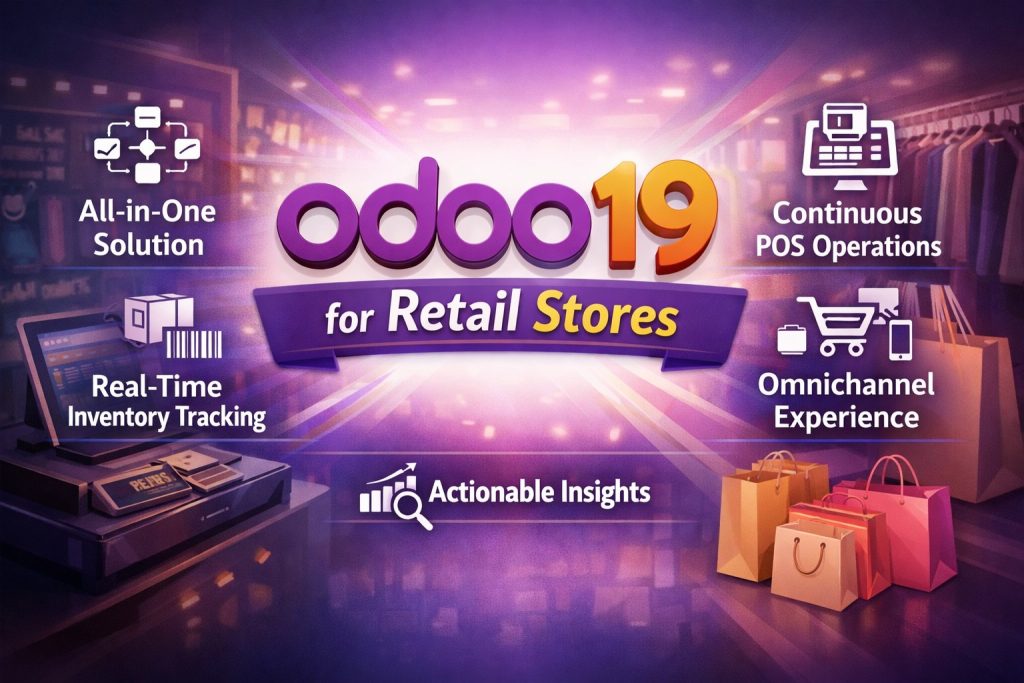
All-in-One Solution: From sales to inventory to accounting, everything is managed under one platform.
Real-Time Inventory Tracking: Never run out of stock or overstock products with Odoo 19 inventory management for retail.
Continuous POS Operations: Process sales faster with Odoo 19 POS for retail shops and reduce waiting times.
Omnichannel Experience: Connect online and offline sales using Odoo 19 omnichannel retail system.
Actionable Insights: Use data to make smart business decisions with Odoo 19 end-to-end retail store reporting.
Retailers who understand how a retail store uses Odoo 19 can save time, reduce costs, and improve customer satisfaction, making it a smart choice for businesses of any size.
How a Retail Store Uses Odoo 19 POS
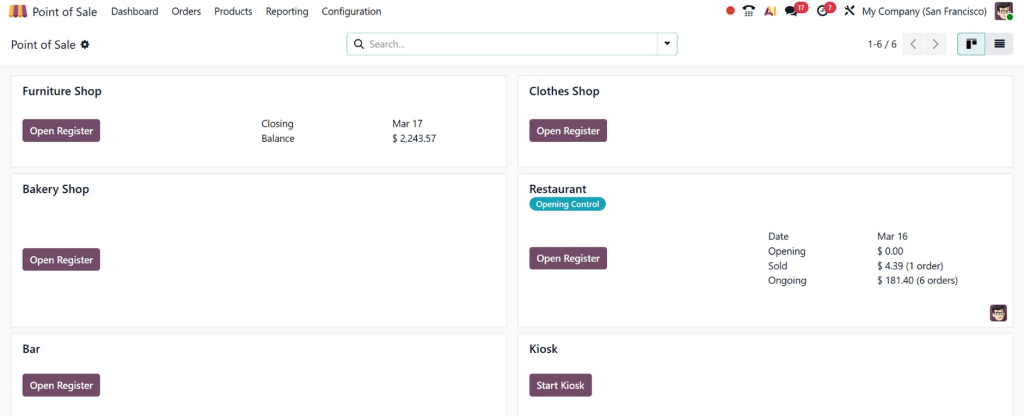
The POS system is the heart of any retail store. Retailers using Odoo 19 POS for retail shop experience faster, smoother transactions that enhance customer experience.
Key Features of Odoo 19 POS:
Fast Transactions: Complete sales in seconds with barcode scanning, multiple payment methods, and discounts.
Multi-Store Support: Track sales across multiple outlets from one dashboard.
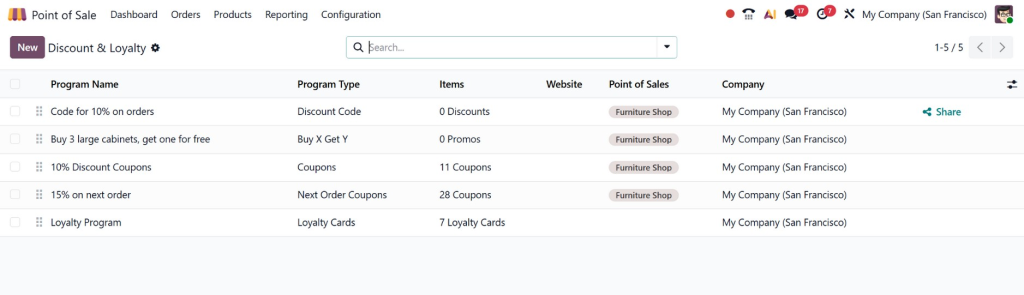
Loyalty Programs: Reward regular customers with automated loyalty points.
Offline Mode: Continue operations even if the internet is down, syncing later.
By integrating Odoo 19 end-to-end retail store capabilities, sales managers can monitor revenue, track top-selling products, and adjust promotions quickly. This ensures efficient operations and happier customers.
Inventory Management
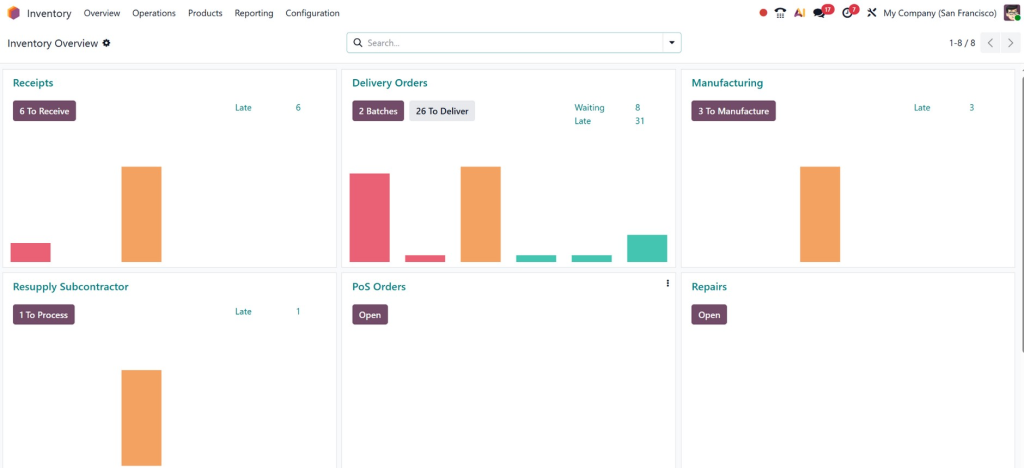
One of the biggest headaches for retailers is managing inventory. Understanding how a retail store uses Odoo 19 for inventory makes operations simple and accurate.
Odoo 19 inventory management retail allows:
Real-Time Stock Updates: Know exactly what’s in stock at every store location.
Automated Reordering: Avoid stockouts by setting minimum stock levels for automatic purchase orders.
Batch & Expiry Management: Perfect for perishable goods.
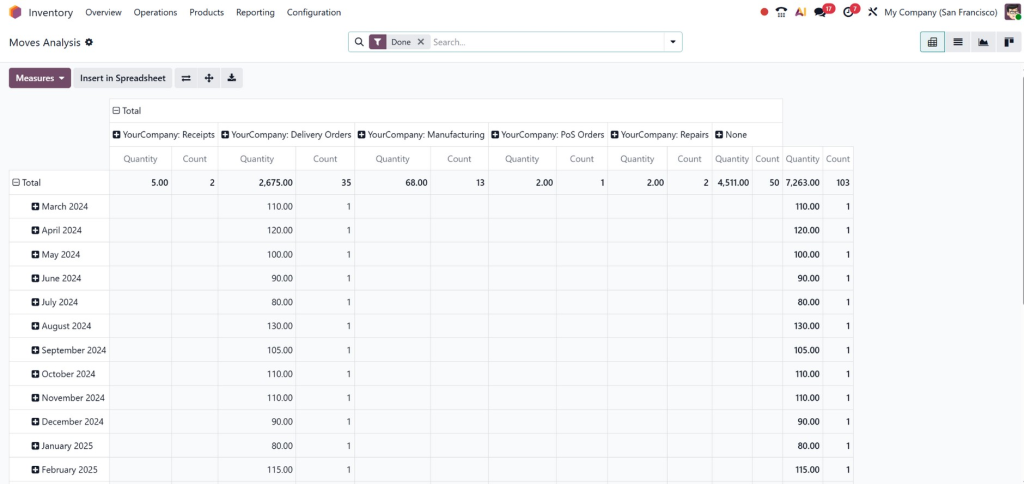
Detailed Analytics: Track product performance, sales trends, and profitability.
For example, a retail store using Odoo 19 for retail stores can automatically alert managers when popular items are low in stock, preventing missed sales opportunities.
Omnichannel Retail System: Connecting Online and Offline
Today, customers expect flexibility; they want to shop online, in-store, or a combination of both. Retailers must know how a retail store uses Odoo 19 to create a seamless shopping experience.
With the Odoo 19 omnichannel retail system, stores can:
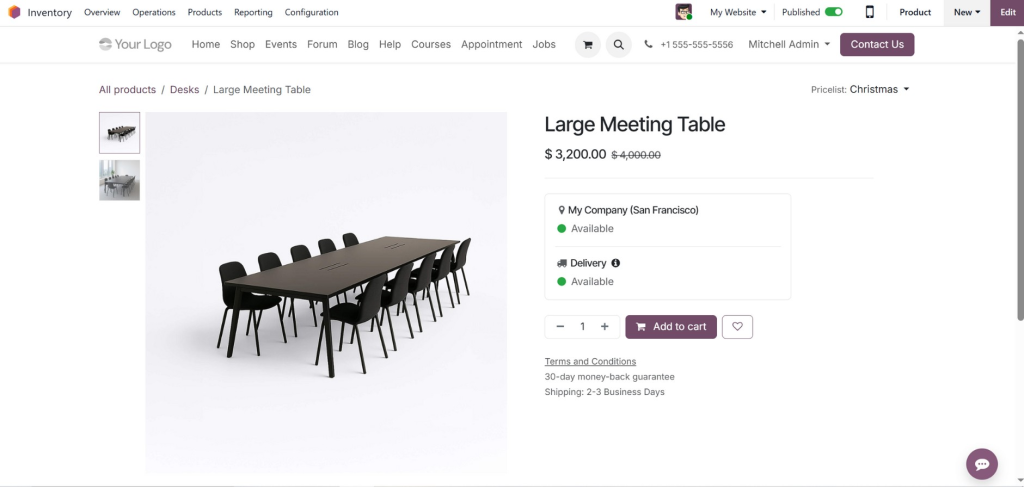
Sell products on their website and in physical stores simultaneously.
Offer “click-and-collect” services where customers pick up online orders in-store.
Track customer purchases and preferences across channels.
Run promotions and discounts consistently across all platforms.
This ensures that the customer experience is smooth, boosting loyalty and sales. Retailers gain the flexibility to compete in both traditional and online markets.
Marketing and Customer Engagement
Running a retail store isn’t just about selling products; it’s about building relationships. How a retail store uses Odoo 19 for marketing and engagement can make a huge difference.
With Odoo 19 for retail stores, you can:
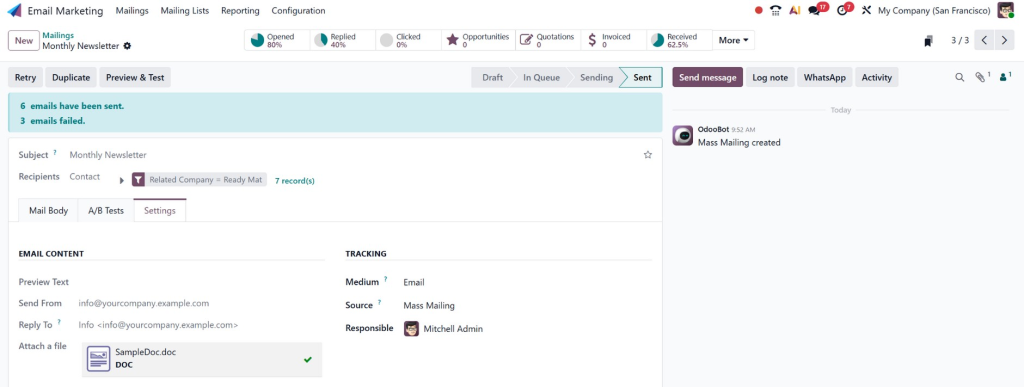
Send personalized emails or SMS campaigns to customers.
Track purchase history for targeted offers.
Create and manage loyalty programs directly from POS.
Analyze marketing campaign results to improve ROI.
For example, a store can send a discount coupon automatically to customers who haven’t shopped in a month, encouraging repeat purchases.
Reporting and Analytics: Making Data Work for You
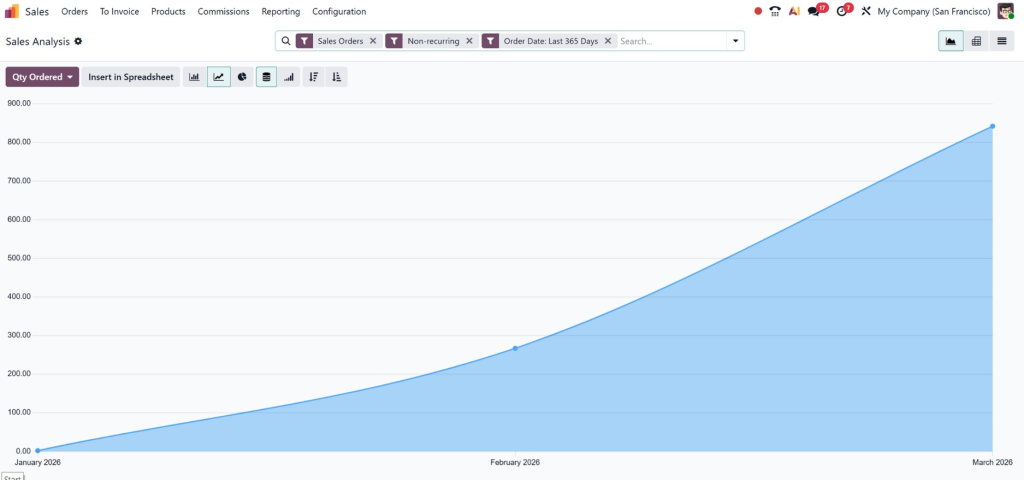
One of the most powerful aspects of how a retail store uses Odoo 19 is the reporting and analytics feature. Odoo 19 allows retailers to:
Monitor sales by product, category, or store location.
Analyze inventory turnover to identify slow-moving products.
Track customer behavior and identify top buyers.
Assess financial performance and profitability with detailed reports.
Using these insights, retailers can make informed decisions, optimize stock, and plan promotions that drive revenue.
Assess Your Business Needs: Identify pain points in sales, inventory, and customer engagement.
Set Up POS and Inventory Modules: Configure Odoo 19 POS for retail shop and inventory management retail modules.
Integrate Online Channels: Use Odoo 19 omnichannel retail system to connect eCommerce and physical stores.
Train Your Team: Ensure staff know how to use POS and inventory features efficiently.
Monitor and Adjust: Review reports, analyze trends, and tweak workflows for maximum efficiency.
Implementing Odoo 19 for retail stores is easier than it sounds, and once integrated, the benefits quickly outweigh the initial setup effort.
Change Your Retail Store with Odoo 19
Understanding how a retail store uses Odoo 19 is essential for retailers aiming to thrive in today’s fast-paced market. From Odoo 19 POS for retail shops to inventory management, retail, and omnichannel systems, this ERP empowers store owners to manage operations effortlessly.
Retailers can:
Facilitate sales and checkout processes.
Track and optimize inventory.
Deliver a whole shopping experience across channels.
Engage customers effectively through personalized marketing.
Make informed decisions using advanced analytics.
By embracing Odoo 19 end-to-end retail store solutions, retail stores not only reduce operational stress but also maximize growth and profitability. Don’t just run your retail store, run it smartly, efficiently, and successfully with Odoo 19.
Hi, I'm Nabia, an Odoo ERP functional & technical content writer. I specialize in blogs, social media content, ad copy, landing pages, service pages, and email campaigns.
We use cookies to ensure that we give you the best experience on our website. If you continue to use this site we will assume that you are happy with it.